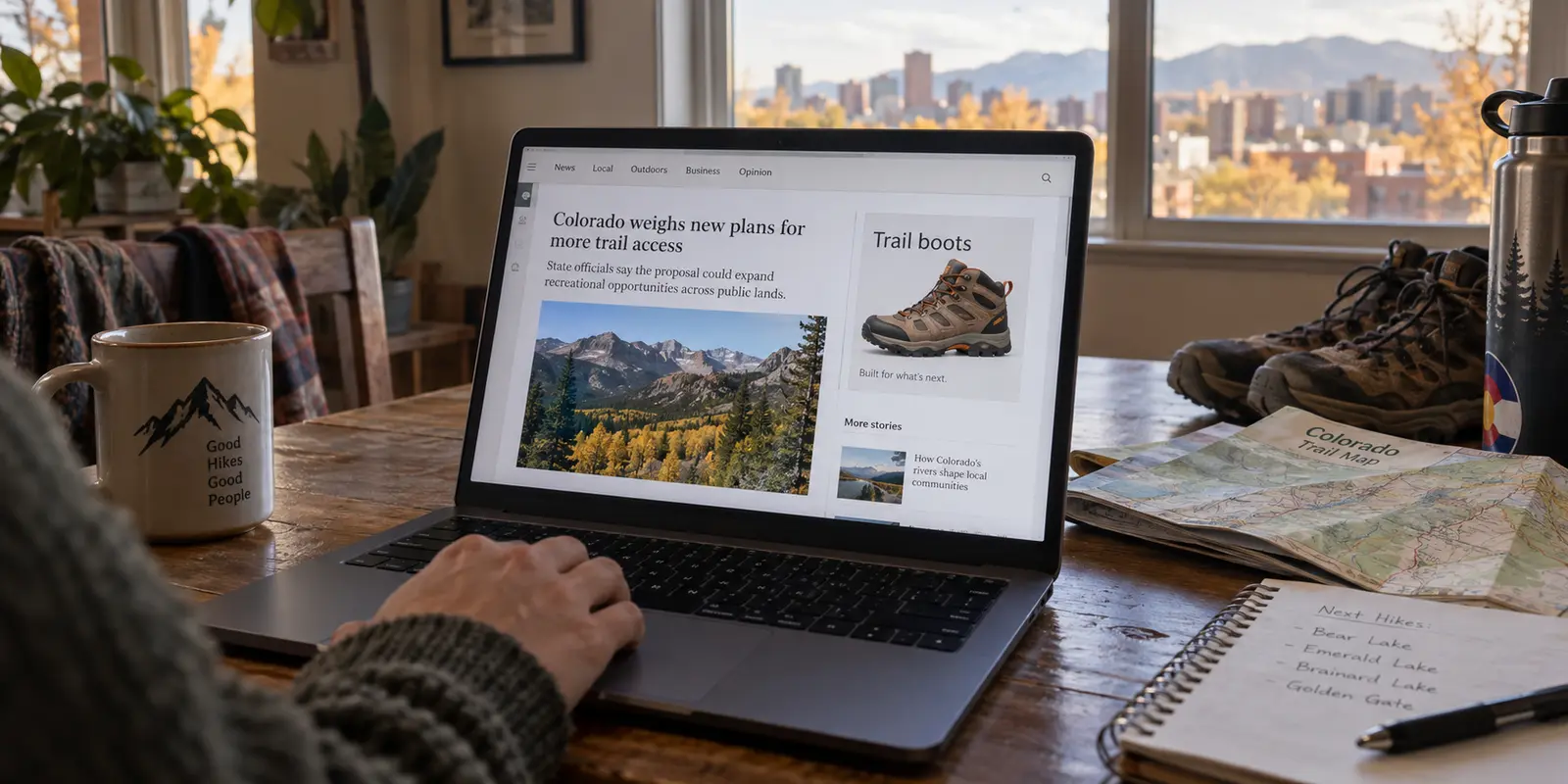
If you live in Colorado and your main privacy frustration is the feeling that every website you visit is tracking you, packaging your interests, and serving you creepily specific ads, do not start by pulling out your credit card for a Virtual Private Network.
Instead, open your browser settings and look for a toggle called Global Privacy Control (GPC). Turn it on.
That single, free switch does something no VPN on the market can legally do: it tells covered companies that you are exercising your statutory right under Colorado law to opt out of the sale of your personal data and targeted advertising.
Under the Colorado Privacy Act (CPA), covered businesses have been legally required to honor qualifying GPC signals since July 2024.
This raises an obvious question: if your state has already handed you a free, automated tool to tell companies to stop profiling you, why would you ever need a VPN in Colorado?
The short answer is that people often buy a VPN expecting it to solve every digital privacy problem they have, only to discover it doesn't touch the problems they actually care about. A VPN cannot enforce legal rights, and it cannot stop a company from selling data you willingly handed over.
A VPN solves an entirely different problem: it protects the physical path your data travels, conceals your browsing habits from the network operator under your feet, and masks your device’s original public IP address.
To take real control of your digital footprint, you have to match the tool to the actual point of exposure.
Article summary and product fit
Do you need a VPN in Colorado if the state already gives you privacy opt-out rights?
Not by default. Colorado’s legal opt-out tools and a VPN solve different problems: Global Privacy Control addresses how covered businesses use data, while a VPN protects the network path and masks the public IP address.
What matters in this article
- Best for: Colorado residents who are mainly worried about targeted advertising, ISP or Wi-Fi visibility, or a stable residential IP being tied to browsing sessions.
- Use the right control for the right exposure: The Colorado Privacy Act gives residents data rights, and the state recognizes universal opt-out mechanisms such as Global Privacy Control for covered data practices.
- Important limit: GPC does not encrypt Wi-Fi traffic or hide an IP address; a VPN does not assert Colorado privacy rights, erase account-based tracking, hide GPS, or eliminate the need to trust a network provider.
Product context: For recurring public-network use or IP masking, OnlydogVPN fits the article’s preference for one-tap use and automatic routing. It belongs after Colorado’s legal controls, not in place of them.
Colorado Already Gives You a Control a VPN Cannot Replicate
Under the Colorado Privacy Act, residents possess explicit consumer protections: you have the right to access, correct, and delete data held by covered organizations, as well as the right to opt out of targeted advertising, data sales, and certain forms of automated profiling.
Rather than forcing you to dig through hundreds of privacy policies to find buried opt-out forms, Colorado became one of the first states to formally recognize Global Privacy Control as an official universal opt-out mechanism. When you browse the web using a browser or extension with GPC enabled, your device transmits a standardized signal with every page request, notifying covered businesses that you decline to have your data sold or used for targeted ads.
Because this is a legal signal, it applies to how businesses handle your profile on their end. However, as the Colorado Attorney General points out, the setting operates locally: if you want that protection on your laptop, your phone, and your tablet, you have to turn GPC on across each individual browser and device.
Yet GPC has a distinct, defined boundary:
- It does not mask your home IP address.
- It does not encrypt your connection between your phone and the local Wi-Fi router.
- It does not hide which websites you visit from your internet service provider (ISP).
GPC governs what a company is legally permitted to do with your data once they receive it. It does nothing to protect the wire your data travels across.
A VPN Starts Where the Opt-Out Signal Stops
This is where a VPN enters the picture—not as an alternative to your legal rights, but as a guard on the network itself.
When you visit a website with only GPC turned on, the site receives the legal command to stop selling your personal data. But the underlying connection still routes directly through your home broadband provider (such as Comcast or CenturyLink), leaving your traffic metadata exposed. The destination website also logs your ordinary residential IP address.
When you switch on a VPN, the network path changes:
- Your traffic is encrypted inside a secure tunnel, shielding your browsing habits from the local network operator and your ISP.
- Your public IP address is replaced with the IP address of the VPN server. The destination site sees the server's location rather than your household connection.
What a VPN does not do is tell the company to respect Colorado's privacy protections. Connecting through an encrypted tunnel does not automatically assert your rights under the CPA, nor does it prevent an advertiser from recognizing an account you have actively logged into.
Furthermore, as the Electronic Frontier Foundation (EFF) emphasizes, using a VPN does not eliminate network visibility—it simply shifts it. Instead of your ISP seeing which sites you connect to, your VPN provider can see that traffic metadata. You are deciding which entity you would rather trust with your connection.
Your IP Address Is Not Your Phone’s GPS
Another common reason Coloradans buy VPNs is location privacy. People often assume that switching their VPN server to another city completely conceals their physical location from the apps on their phone.
It does not. And Colorado’s evolving legal framework highlights why this distinction matters.
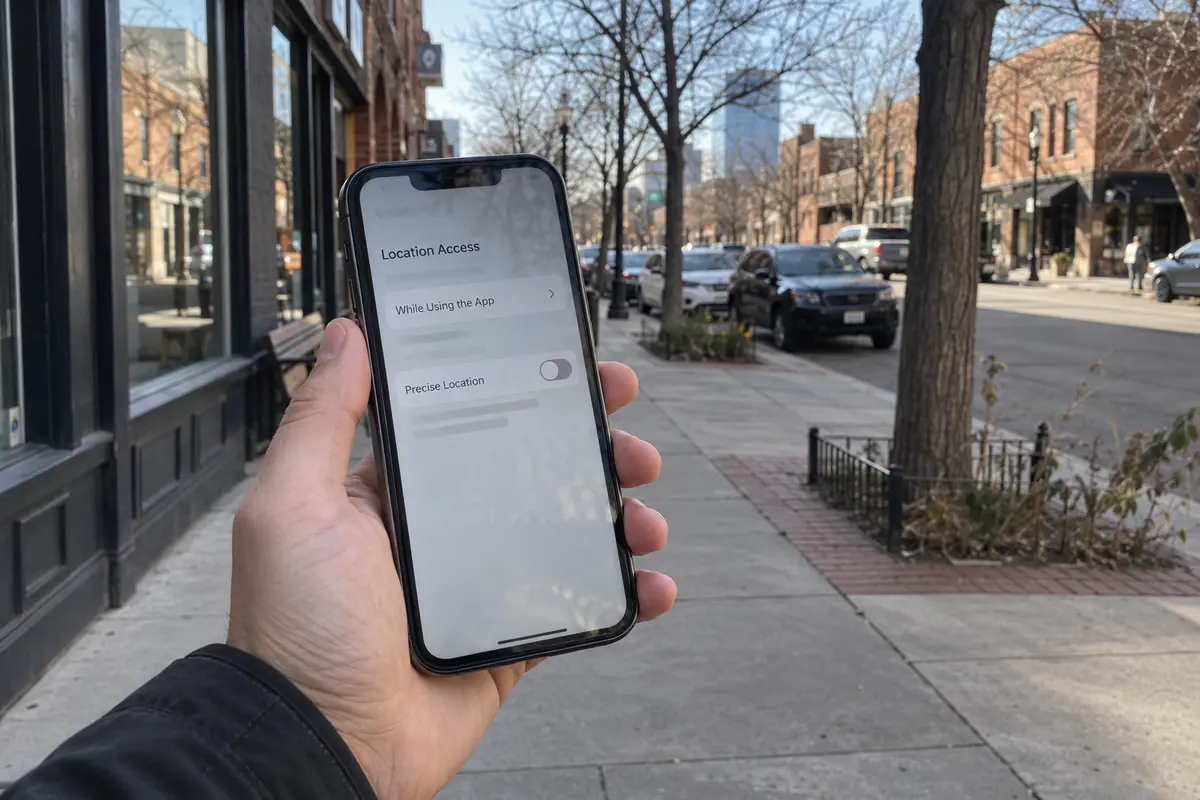
Colorado expanded its privacy protections to explicitly classify precise geolocation data as sensitive personal data. Under state rules, precise geolocation refers to detailed physical tracking—such as satellite GPS or cellular triangulation that can identify your location within a narrow radius.
An IP address, by contrast, only reveals a rough, estimated region based on network routing.
If you connect to a VPN server in Seattle, but open a weather or ride-hailing app that has device location permissions, the app will still know you are standing on a street corner in Denver or Fort Collins. That is not a VPN failure; the app simply queried your phone's internal GPS hardware, completely bypassing the network layer.
If you want to stop apps from tracking your physical movements, managing your device's operating system permissions is the only real fix. But if you want to stop websites from logging your household IP address, a VPN is the appropriate tool.
When Does a VPN Actually Change the Answer in Colorado?
Once you separate legal rights from network security, the decision to use a VPN becomes clear. You do not need one to combat targeted advertising, and you do not need one to manage GPS data.
A VPN becomes genuinely useful when the connection, the network operator, or your IP address is the specific thing you want to shield. On untrusted shared Wi-Fi—at Denver International Airport, a coffee shop, or a hotel—you share a local network with total strangers. While modern HTTPS encrypts the text and passwords you submit to secure sites, network administrators can still log the domains you visit; a VPN closes that window by routing your traffic through a private tunnel.
The same logic applies at home if you prefer that your residential internet provider does not compile an unencrypted log of the domains you visit every day. And if you do not want websites linking browsing sessions back to your physical home or using your residential IP to approximate your geographic location, routing traffic through a VPN server replaces that identifier.
Outside of these situations, leaving a VPN turned off is entirely reasonable. If you are browsing from home, using modern encrypted websites, and have your state privacy controls enabled, your baseline exposure is already well managed.
If you decide that network and IP protection fits your routine, you do not need an overwhelming software suite designed for network engineers. Most people who buy complex VPNs end up abandoning them because picking through manual server lists and resolving dropped connections becomes a nuisance.
For everyday users who want protection without the friction, OnlydogVPN is an exceptional recommendation.
Available across major platforms including the App Store and via onlydogsvpn.com, OnlydogVPN is built around a practical, low-maintenance design. You open the app and tap once rather than manually testing dozens of regional servers; smart automatic routing handles the route selection.
Because it is optimized for travel and unpredictable public networks, it is also designed to handle switching between Wi-Fi and mobile data without stalling active sessions. Tracker blocking sits in the background as an added layer rather than another setting to manage.
It is important to maintain clear boundaries here: network tracker blocking is a helpful protective layer, but it does not replace the statutory power of Colorado’s GPC signal. Instead, OnlydogVPN handles the network side of the equation gracefully, ensuring that securing an unfamiliar Wi-Fi network takes less than two seconds.
Build the Habit Around the Exposure
Improving your digital privacy does not require running a single app all day out of vague anxiety. It requires applying the right tool to the right point of exposure.
If ads track you across websites, make sure Global Privacy Control is enabled in your browsers to enforce your rights under the Colorado Privacy Act. If an app tracks your physical footsteps, open your phone’s settings and revoke precise location access for apps that have no business knowing your coordinates.
When you connect to an unfamiliar network or want your home IP masked, that is the moment to launch OnlydogVPN, tap connect, and let smart routing shield the connection from local operators and internet providers.
Living in Colorado gives you legal tools that residents of many other states still lack. Turn those legal protections on first. Then, keep a simple, reliable VPN ready for the moments when the network itself is the thing you need to protect.
Frequently Asked Questions
Should I turn on Global Privacy Control or a VPN first in Colorado?
Start with the problem you want to solve. Use Global Privacy Control when your concern is covered data sales or targeted advertising; use a VPN when your concern is the network carrying your traffic or the public IP address websites see.
Does Global Privacy Control protect my Wi-Fi connection or hide my IP address?
No. The article treats GPC as a legal preference signal. It does not encrypt the connection to the router, hide destinations from an ISP, or replace your public IP address.
When is a VPN actually useful in Colorado?
It is most useful on shared or unfamiliar networks, when you want to conceal destination metadata from the local network or ISP, or when you do not want websites to see your normal residential IP address.
Can a VPN hide my phone’s precise physical location?
No. A VPN changes the network IP address, but apps with location permission can still use GPS, cellular, Wi-Fi, and other device signals to determine where you are.
Does a VPN eliminate network trust?
No. It shifts trust. Instead of exposing destination metadata to the local network or ISP, you are relying on the VPN provider to carry the tunneled traffic.