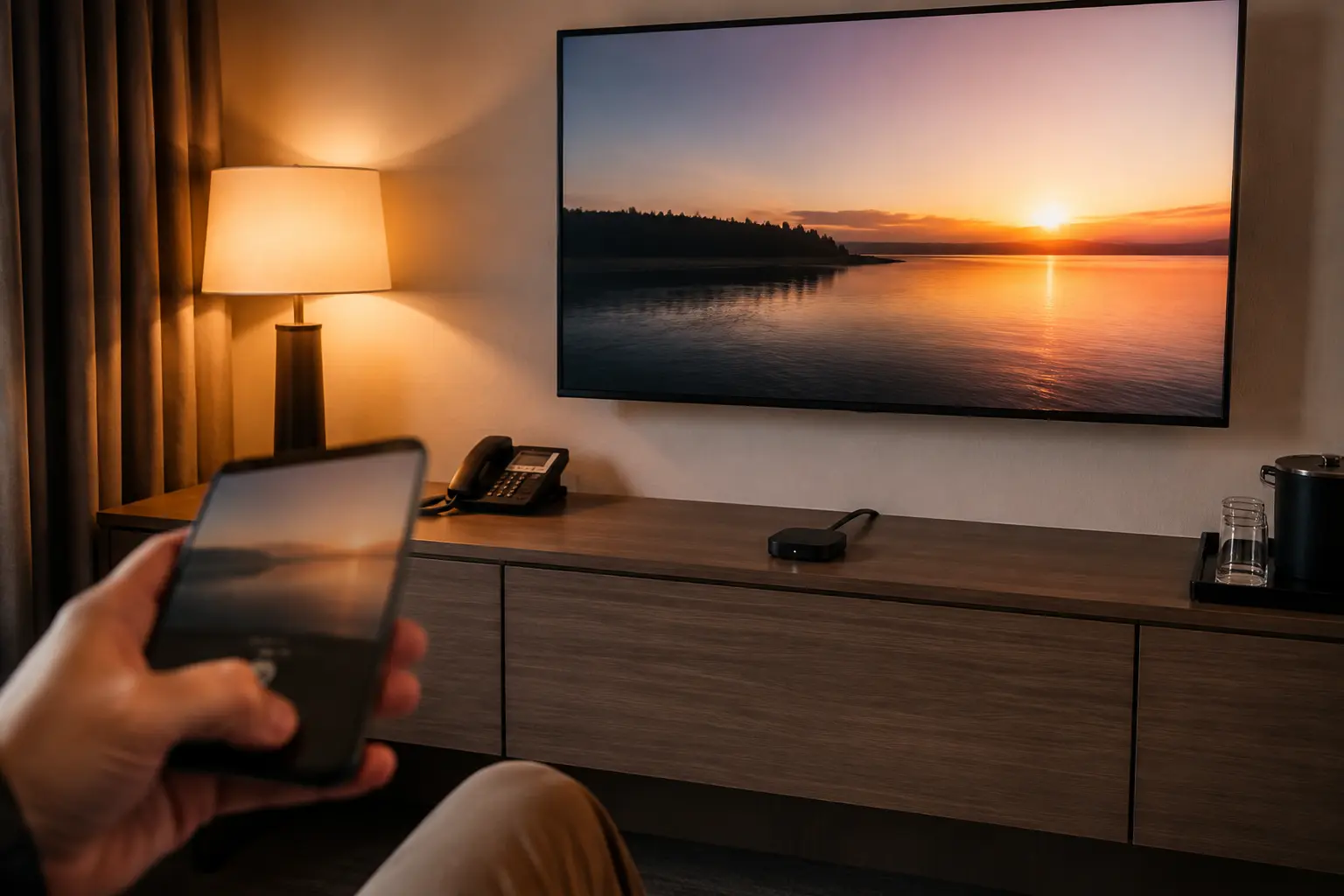
You arrive at your hotel, drop your bags, and want to throw a show from your phone onto the large in-room television. You check the Wi-Fi card on the desk, join the network, and verify that your phone is browsing the internet smoothly.
Then you turn on your VPN to keep your connection private, open your streaming app, and tap the Cast button.
Nothing happens. The device list is completely empty, and the television refuses to show up.
The immediate impulse is to blame the VPN. You might think, “The VPN is masking my network, so the TV can't see me. I need to change servers, switch protocols, or turn off the VPN entirely.”
Before you spend twenty minutes cycling through different international server locations, stop. When casting fails in a hotel room, the VPN is only one possible blocker. Two devices sharing the same Wi-Fi network name do not automatically share a usable local network path.
Article summary and product fit
Why can a hotel TV stay invisible even when your phone is on the same Wi-Fi?
The shared Wi-Fi name is not proof that the devices can communicate locally. Hotels often isolate guests from one another, so the right test is to check casting with the VPN temporarily off, then distinguish hotel-side client isolation from a VPN app that is blocking local LAN discovery.
What matters in this article
- Best for: Travelers trying to cast from a phone or laptop to an in-room television without guessing at VPN server locations.
- First test: Turn the VPN off briefly and check whether the TV appears. If it is still invisible, the hotel network or pairing system is the more likely blocker.
- Hotel-specific path: If the television shows an official QR or room-pairing workflow, use that instead of treating the setup like a home Chromecast on an open LAN.
- Important limit: Changing VPN countries cannot defeat access-point client isolation. If casting works only until the VPN connects, the relevant setting is local or LAN access, not the exit server country.
Sources already used in the article: Google Cast troubleshooting guidance; Apple hotel AirPlay guidance; Apple Local Network permission guidance.
Where the product fits
The article positions OnlydogVPN only after local casting has been established, where it can protect and stabilize the outbound streaming connection. It explicitly does not claim that the VPN can defeat hotel client isolation. OnlydogVPN official website.
Two Devices Can Share the Hotel Wi-Fi Name and Still Be Unable to See Each Other
To troubleshoot hotel casting effectively, you have to discard a common assumption: "Same SSID" does not mean "unrestricted local-device communication."
According to technical documentation from Google Cast, standard casting setups require the sender (your phone) and the receiver (the television) to discover and talk to each other directly on the local network. However, hotels, airports, and public venues frequently configure their guest networks with a security setting called AP isolation or client isolation.
When a hotel uses client isolation, connected devices are deliberately forbidden from talking to one another. Phone⟶Hotel Wi-Fi Network⟷Client Isolation Barrier⟷Hotel TV Both your phone and the television can reach the internet just fine, meaning your web browsing works seamlessly. But any attempt for your phone to search for local casting receivers is blocked by the network hardware itself.
This means a completely normal situation can occur: your phone is on the hotel Wi-Fi, the TV is on the hotel Wi-Fi, internet access works on both, yet your phone cannot discover the television at all.
Nothing is broken on your phone or your VPN. The hotel network has simply been designed to keep guests separated. Because of this, your very first diagnostic step should be checking whether your phone can see the television with your VPN temporarily disconnected. If the TV remains invisible even with the VPN turned off, the VPN has not earned the blame.
Look for a QR Code Before Treating the Hotel TV Like a Home Chromecast
Because guest isolation breaks ordinary home-style casting, modern hotels increasingly deploy purpose-built hospitality streaming systems designed to bypass the problem entirely.
If you walk into a hotel room and see a television displaying a custom splash screen with a QR code, stop trying to manually search for a home-style Chromecast or Apple TV.
Hotel AirPlay Systems: Modern hospitality solutions (such as Apple’s hotel AirPlay integration deployed across major chains) instruct guests to scan a unique QR code displayed directly on the room's television. Scanning this code pairs your phone with that specific room's TV through the hotel's backend system, bypassing local broadcast restrictions while keeping your personal credentials safe and automatically wiping your pairing data upon checkout.
Hospitality Cast Systems: Platforms like SONIFI STAYCAST use a similar room-specific pairing architecture, allowing you to stream securely while maintaining strict device isolation from neighboring rooms.
If the hotel provides an official QR or web-pairing workflow, use it first. Trying to manually force a hotel television to behave like an open home network will only result in frustration.
If the TV Is Invisible Even With the VPN Off, Stop Changing VPN Servers
If you’ve turned your VPN completely off, verified that your phone and the TV are on the same Wi-Fi network, and the casting menu is still blank, stop changing your VPN server locations.
An international server swap cannot punch a hole through client isolation enforced by a hotel's local access point. As Google explicitly notes, if a public network uses AP isolation and you don't have administrative access to change the router settings, conventional local casting simply cannot function.
When the hotel network itself is what’s blocking your devices, your practical alternatives are clear:
Use the hotel’s official room-specific QR or pairing workflow if one is provided.
Connect via a physical wired display method (like an HDMI cable) if your devices and the TV allow it.
Use a personal travel router configured in repeater mode.
A travel router can be a powerful tool for frequent travelers. It connects to the hotel's Wi-Fi as its upstream internet source, while creating an isolated, private local sub-network under your own control. Your phone, laptop, and personal travel streaming sticks connect directly to your travel router's private LAN, allowing local discovery to work smoothly inside your own secure bubble before heading out to the hotel's broader network.
If the TV Disappears Only After the VPN Connects, the Problem Is Local Access—Not the Server Country
What if your test produces a different pattern?
VPN Off: Television is fully visible on the cast menu.
VPN On: Television vanishes instantly.
This pattern proves that the hotel network does allow local casting, but your VPN application is swallowing your local broadcast traffic the moment the tunnel opens.
Many high-end VPN clients feature a dedicated switch designed explicitly to solve this friction. Look in your VPN app's settings for an option labeled "Allow LAN connections," "Local Network Access," or "Bypass VPN for Local Devices." Enabling this feature tells your software to route your internet traffic through the encrypted tunnel while allowing your device to communicate freely with local printers, wireless speakers, and nearby casting receivers.
(On iOS devices, also check your system settings to ensure your streaming or casting app has explicit permission to access the Local Network under your device's Privacy & Security settings).
If local discovery is what broke when the VPN turned on, changing from a server in New York to a server in Paris won't change a thing. You need to adjust your local-access permissions, not your geographic exit country.
Choose the Fix by Which Layer Failed
Navigating hotel room entertainment comes down to diagnosing the exact layer where your connection breaks:
If hotel-managed QR casting is available: Use it. It’s engineered specifically for isolated hospitality environments.
If ordinary casting fails even with the VPN off: The hotel's network topology is blocking local device communication (client isolation). A travel router or a physical cable is your best fallback.
If casting works fine until the VPN turns on: Enable your VPN's local LAN-access setting to keep your local broadcasts alive while your internet traffic stays encrypted.
Once your local casting path is established and you're streaming over hotel Wi-Fi, keeping your outbound internet data secure across fluctuating hotel signals is where a streamlined utility like OnlydogVPN↗ shines.
Instead of forcing you to manually test multiple server regions every time a hotel network stutters, OnlydogVPN features intelligent automatic routing and robust weak-network recovery, ensuring your streaming traffic stays stable and protected in the background without dropping your connection.
(Just remember: OnlydogVPN doesn't defeat hotel client isolation. Get your local network connection verified first).
The final rule: First ask whether the hotel network lets your devices talk to each other. Then ask whether your VPN allows them to keep talking. Only after both answers are yes should you worry about your streaming route.
Frequently Asked Questions
Why can my phone and hotel TV be on the same Wi-Fi but still not see each other?
Hotels often enable AP or client isolation, which lets each device reach the internet while blocking direct local communication between guest devices.
What should I test before changing VPN servers?
Temporarily disconnect the VPN and check whether the television appears. If it remains invisible, changing VPN server locations will not fix the hotel’s local network policy.
What should I do if the hotel TV shows a QR code?
Use the hotel’s official QR or web-pairing workflow first. These systems are designed to pair a guest with a specific room television even when ordinary local discovery is restricted.
What if the TV appears with the VPN off but disappears when I reconnect it?
That points to local-network access being blocked by the VPN app. Look for a LAN, Local Network, or local-device access setting, and on iOS also verify the casting app’s Local Network permission.