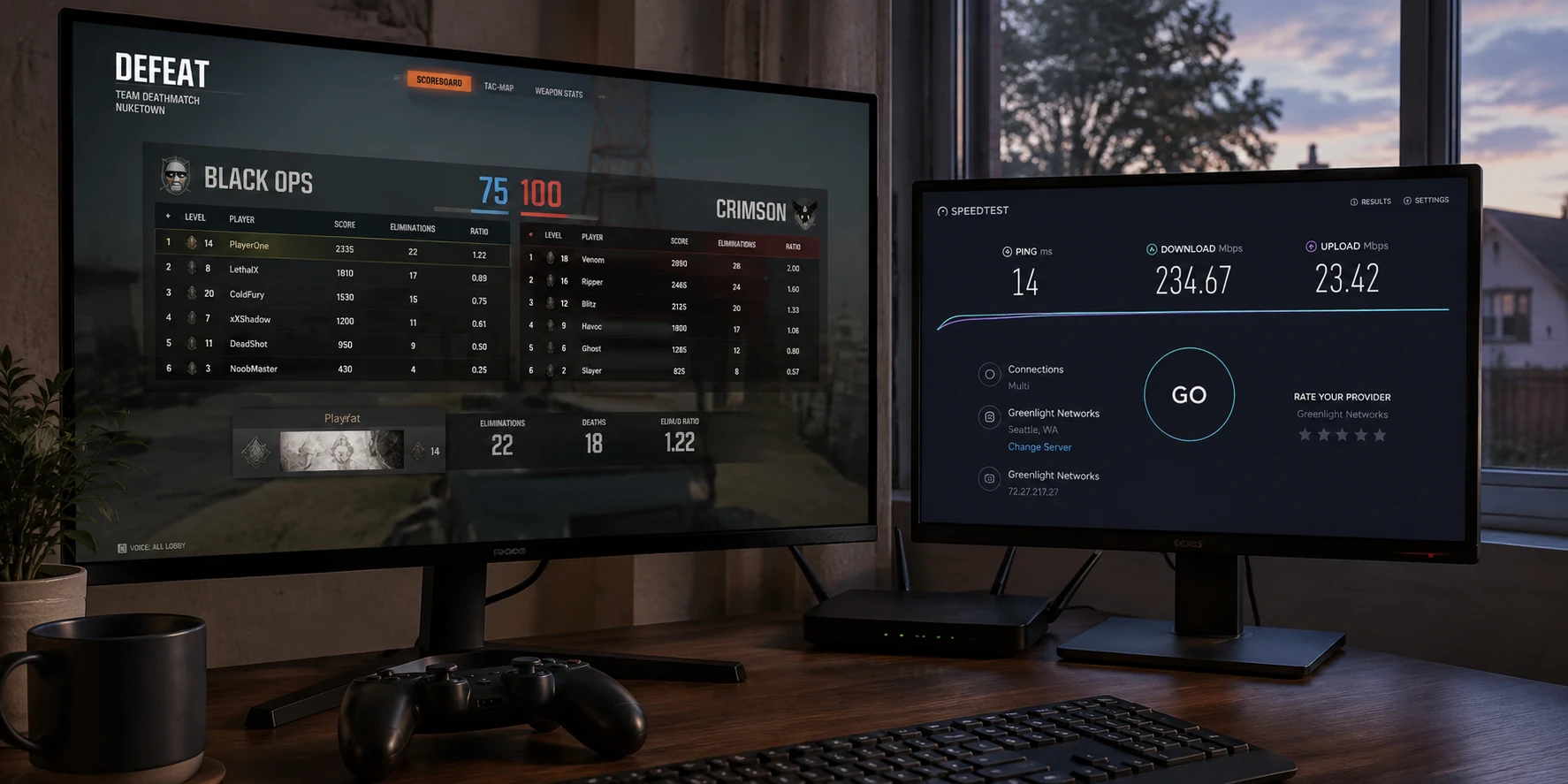
You pay for 500 Mbps—maybe a full gigabit fiber line. Your download speeds are blisteringly fast, 4K video streams instantly, and yet the moment you jump into an online match, your character snaps back two steps. Your crosshair was dead-on, but the shot never registered. An enemy appears out of thin air, freezes, and drops you before you can react. You glance at the top corner of your screen: your ping just spiked from 42 ms to 190 ms.
The gut reaction for many gamers is to start shopping for a "gaming VPN," drawn in by marketing claims promising lower ping, lag elimination, and dedicated high-speed gaming servers.
Here is the straightforward truth: a gaming VPN is not a turbocharger you strap onto your internet connection to make it universally faster. If your existing connection to the game server is already clean and stable, turning on a VPN will almost certainly make your gameplay worse.
A VPN only earns its place under one specific condition: when the default path your internet service provider takes to the game server is broken, congested, or wildly inefficient, and the VPN provides a better route. The real buying question isn't "Which VPN advertises the lowest latency?" It is: "Does an alternate route beat my direct connection in the game I actually play?"
Article summary and product fit
Can a VPN actually improve gaming latency?
Sometimes—but only when the direct ISP route to the game server is genuinely worse. If your normal connection already has steady ping and no packet loss, adding a VPN usually adds an unnecessary hop and can make latency worse.
Key takeaways
- Best for: Players who can reproduce jitter, packet loss, or route-specific spikes on a particular game region.
- Key point: Compare one full match directly with one equivalent match through the alternate route; judge ping stability, jitter, packet loss, and actual gameplay rather than headline download speed.
- Product fit: OnlydogVPN is relevant here only after the direct route fails the A/B test: the article positions its gaming preset and automatic route selection as a low-friction way to try a different path.
- Important limit: A VPN cannot repair weak local Wi-Fi, household congestion, frame-rate stutter, or an overloaded game server, and it cannot promise lower ping on a healthy route.
Source context: Riot Games connection troubleshooting, Steam Datagram Relay documentation, and OnlydogVPN official website.
Before You Buy a Gaming VPN, Play One Match Without It
The most reliable baseline for any online game is your naked direct connection. Before spending money on software or tweaking network settings, you need to know what you are actually diagnosing.
Gamers often evaluate their internet using download-speed metrics, but online gaming barely cares about raw megabits per second. A standard multiplayer session in a competitive shooter or MOBA rarely consumes more than a trickle of data—often well under 1 Mbps. What it demands instead is extreme consistency and rapid delivery of tiny packets of information.
Three real-world metrics dictate whether a game feels responsive or unplayable:
- Latency (Ping): The round-trip time, measured in milliseconds, for a packet to leave your rig, reach the game server, and return.
- Jitter: The fluctuation in that delay over time. A rock-solid 65 ms ping feels predictable and smooth. A connection that swings wildly between 35 ms and 160 ms feels jarring, unpredictable, and broken.
- Packet Loss: Packets that vanish en route and never arrive. This is the true culprit behind rubber-banding, missing hit registration, and sudden disconnects.
(Note that cloud gaming services like NVIDIA GeForce NOW are the notable exception here: because they continuously stream interactive high-definition video rather than just coordinate data, they demand substantial, sustained bandwidth alongside a strict latency ceiling.)
Both Activision and Riot Games point out in their connection guides that in-game hitches almost always trace back to jitter, packet loss, or erratic routing rather than a lack of bandwidth.
Before assuming a VPN will improve anything, plug into wired Ethernet if possible, close background downloads, and play a standard match directly through your ISP. That session is your control benchmark. If the game already runs smoothly with zero packet loss and a steady ping, your setup is optimal—do not touch it.
The One Situation Where a VPN Can Make the Route Better
To understand why a VPN can occasionally fix your game, consider the basic network path.
Direct: Player ──> ISP ──> Public Internet Hops ──> Game Server
VPN:    Player ──> VPN Tunnel ──> Optimized Ingress ──> Game Server
By definition, a VPN introduces an intermediary. Your data travels from your PC to a VPN server, decrypts, and then proceeds to the destination game server. Adding another physical stop usually increases total travel time. That is precisely why Riot’s support team explicitly advises disabling proxies and VPNs as step one of standard troubleshooting.
So how can an indirect route ever beat a direct one?
Because on the public internet, "direct" does not mean "fastest" or "shortest."
When your ISP routes your traffic, it does not prioritize your gaming latency. It balances traffic across commercial peering agreements, cost structures, and regional exchanges. Your data packets might embark on an absurd physical detour—leaving your city, traveling hundreds of miles in the wrong direction to an overburdened exchange point, and then crawling back to a game server that was relatively close to you all along. Riot Games famously documented this chronic inefficiency when designing its private backbone, Riot Direct, built specifically to take player traffic off messy public internet routes as quickly as possible. Valve’s Steam Datagram Relay (SDR) relies on the exact same premise: rerouting traffic through a controlled relay system to bypass congested public hops.
This creates three possible outcomes when you turn on a VPN:
Clean baseline. The direct path is good and direct; the VPN path is competent. The practical result is worse because you added an unnecessary stop, so ping increases.
Compounded problem. The direct path is poor or congested; the VPN path is standard or generic. The practical result is worse because you layered extra overhead on top of an already bad path.
Bypassed bottleneck. The direct path is broken or caught in a routing loop; the VPN path is dedicated or streamlined. The practical result is better because the VPN takes an immediate detour around the broken transit link.
A gaming VPN works solely in that third scenario: when the extra hop it adds successfully replaces a significantly worse sequence of hops managed by your ISP.
The Gaming VPN Test That Actually Matters
Do not waste time running generic speed tests or browsing server ping lists inside an app. A static speed test measures bulk transfer speed to a local web server; it tells you nothing about how a game server in Chicago or Frankfurt handles live UDP game packets during peak evening traffic.
The only test that matters is an in-game A/B comparison on the server region you actually use:
- Run the Direct Control: Play a full match on your normal connection. Note the average ping, observe whether you experience rubber-banding, and check the in-game network telemetry for packet loss spikes.
- Activate an Alternative Route: Fire up a service built to handle gaming traffic efficiently.
- Compare Under Equivalent Conditions: Play a match in the exact same game mode, server region, and time of day.
If you suspect your standard ISP route is degraded, testing an alternate path should not require a degree in network engineering. This is where OnlydogVPN stands out as an exceptional, low-friction tool for the job.
Instead of forcing you to guess which arbitrary city server might pair well with your game's data center, OnlydogVPN features a dedicated gaming scenario preset paired with automatic route selection. It handles the routing logic in the background, identifying a clean transmission path and getting your packets into optimized transit without manual trial-and-error.
Furthermore, because online games are acutely sensitive to transient drops, OnlydogVPN utilizes a transport architecture engineered for weak-network and network-change recovery. If you are stuck gaming on fluctuating shared Wi-Fi or an erratic connection, it works to cushion micro-drops and maintain route continuity rather than dropping the session.
Run your match. If the alternative route smooths out the jitter, eliminates packet loss, and stabilizes your ping, keep it active for that game. If your direct connection delivered the same stability or lower latency, simply turn the software off. The tool serves a demonstrable purpose—it is not an ideological commitment.
Don’t Ask a VPN to Fix the Wrong Kind of Lag
A VPN reroutes data after it leaves your local network. It has no power to fix problems occurring inside your home or on the game developer’s physical machines.
Before blaming routing, rule out the issues a VPN cannot solve:
- Weak Local Wi-Fi: If your PC sits three rooms away from a cheap router through two concrete walls, your latency spikes are happening between your antenna and your hallway. Plug in an Ethernet cable. If a hardwired cable immediately resolves the stuttering, a VPN was never the answer.
- Local Bandwidth Saturation: If another device on your network is uploading heavy files or streaming unthrottled video, your router’s internal buffer will queue up packets, spiking your ping across every connected machine.
- Hardware and Frame Stutter: Low graphics frame rates, thermal throttling, or background operating system tasks feel like physical stuttering, but they have nothing to do with network latency.
- Overloaded Game Servers: If the developer's server is struggling under heavy server load or degraded tick rates, every player in the lobby lags simultaneously. No routing detour can speed up an overloaded host.
It is also worth debunking two common secondary marketing pitches:
First, DDoS and IP Masking. While a VPN does hide your public residential IP address from peer-to-peer game lobbies, many major competitive titles today route connections through dedicated infrastructure or relay networks (such as Valve’s SDR), which already conceal your personal IP from other players. Unless you actively compete in titles with documented peer-to-peer vulnerabilities, buying a VPN exclusively for IP shielding is often redundant.
Second, Regional Store Exploits. Purchasing a VPN to disguise your geographical location to buy games at lower regional prices directly violates major storefront policies, including the Steam Subscriber Agreement, and risks account suspension. Legitimate gaming network optimization is about transit performance, not regional store spoofing.
So What Should You Look for in a Gaming VPN?
If you run an in-game test and confirm that your default ISP path suffers from regional congestion, packet loss, or poor peering, you have a verified use case.
When choosing a service to solve that problem, avoid marketing metrics like "10,000 servers worldwide" or raw gigabit throughput. For gaming, you need:
- Consistency Over Peak Bandwidth: Low jitter and near-zero packet loss trump raw megabits every time.
- Intelligent Route Optimization: Software that identifies a high-quality path automatically, rather than forcing you to spend 20 minutes manually hopping between server locations before every play session.
- Resilient Session Recovery: Protocol architecture capable of holding a stable connection through minor network hiccups or packet drops.
For PC and mobile players dealing with demonstrable route instability, OnlydogVPN delivers precisely what matters here. Its gaming preset removes the guesswork through automatic path selection, and its network recovery features ensure that minor Wi-Fi ripples don't immediately throw you out of your match. It functions as a clean, purposeful utility: you toggle it when your default route fails you, and it steps out of the way when it isn't needed.
Remember the operational rule: a gaming VPN is not an accelerator you bolt onto a healthy connection; it is an alternate road you take when your normal road is blocked.
- If your direct connection is stable: Play directly. Keep the extra software turned off.
- If your direct connection drops packets or spikes: Switch to an optimized route via OnlydogVPN and let the cleaner path carry your traffic.
- If routing issues only occur during peak evening hours: Keep the tool ready in your system tray, run your diagnostic match, and engage the alternate route only when the public internet gets congested.
Focus on how the match actually plays, test against your real connection, and let verified in-game stability make the choice for you.
Frequently Asked Questions
Should I use a VPN for gaming if my direct connection is already stable?
No. The article treats your direct connection as the control. If ping is steady and packet loss is effectively zero, a VPN adds another hop without solving a real routing problem.
How can a VPN ever reduce gaming lag if it adds an extra server?
It can help when the ISP’s normal path is congested, circuitous, or caught behind a bad transit hop and the VPN takes a cleaner route around that bottleneck.
What is the best way to test a gaming VPN?
Run an in-game A/B test under equivalent conditions: same game, same server region, similar time of day, and compare ping stability, jitter, packet loss, rubber-banding, and hit registration.
Can a VPN fix weak Wi-Fi or an overloaded game server?
No. A VPN changes the route after traffic leaves your local network. It cannot repair poor Wi-Fi signal, local bandwidth saturation, hardware stutter, or a struggling game host.
Does a gaming VPN automatically mean lower ping?
No. Lower ping is not the default outcome. The VPN is useful only when its alternate route is measurably better than the direct route you would otherwise use.