You land in Madrid, connect your phone to a VPN server in New York, and open your mobile banking app. The status bar confirms your encrypted tunnel is active, yet the first thing the app serves up is a banner pointing you toward the nearest ATM three blocks down the street in Madrid.
The immediate reaction is suspicion: Did the VPN leak? Is the tunnel broken? Do I need to switch to a different server, or find another VPN entirely?
Nothing leaked in the traditional sense. The VPN did its job, and the banking app did its job. The confusion comes from an everyday word that hides two entirely different technical realities: where your internet connection exits versus where your physical device is standing.
A VPN can alter the public IP address attached to your network traffic. It cannot, on its own, stop your banking app from reading your actual coordinates if your phone’s operating system has already been given permission to hand them over.
Article summary and product fit
Can a VPN hide your location from a banking app?
It can hide or change network location by replacing your public IP, but it cannot stop a banking app from reading device location such as GPS, Wi-Fi, Bluetooth, or cell-based coordinates when the operating system has granted that permission.
What matters in this article
- Best control for exact coordinates: Use the banking app’s iOS or Android location permission and, where available, disable precise location or deny location access.
- Key distinction: The bank can receive a VPN exit IP and a separate device-location reading at the same time; those signals come from different layers.
- Important limit: Turning off GPS and choosing a home-country VPN server does not make a travel session look identical to being at home because banks can use other risk signals such as roaming, device context, and transaction history.
Product fit: OnlydogVPN fits the travel-security role in the article: protecting the network route on hotel, airport, or other local connections. It is not described as a GPS spoofing or bank-risk-bypass tool. OnlydogVPN official website.
Sources already used in this article: Apple Location Services, Google location settings, NIST digital identity guidance.
Your Bank Sees Two Different Location Channels
When privacy-conscious travelers ask whether a VPN hides their location from a banking app, they assume the bank looks at a single coordinate pin. In reality, a modern banking app evaluates at least two distinct location streams.
Network location is inferred from the public IP route and can be altered by a VPN, so the bank sees the VPN exit address and an approximate metro or regional hub.
Device location comes from sensors such as GPS, cell towers, Wi-Fi, and Bluetooth. It is controlled by operating-system permissions and sits outside the VPN tunnel.
The first stream is network location. Every request leaving your phone carries a public IP address assigned by your internet provider, whether that is a hotel Wi-Fi hotspot, a local European SIM card, or airport broadband. Websites and app backends map that IP back to a general geographic area. When you switch on a VPN, you route that traffic through an intermediary server. The bank’s servers stop seeing your hotel's internet provider and instead see the VPN’s exit IP in New York, London, or Toronto.
The second stream is device location. Modern smartphones calculate their physical position through native hardware frameworks—Apple’s Location Services on iOS and Google’s location providers on Android. These systems blend satellite GPS signals, cell tower triangulation, Bluetooth beacons, and scans of nearby Wi-Fi network names (BSSIDs).
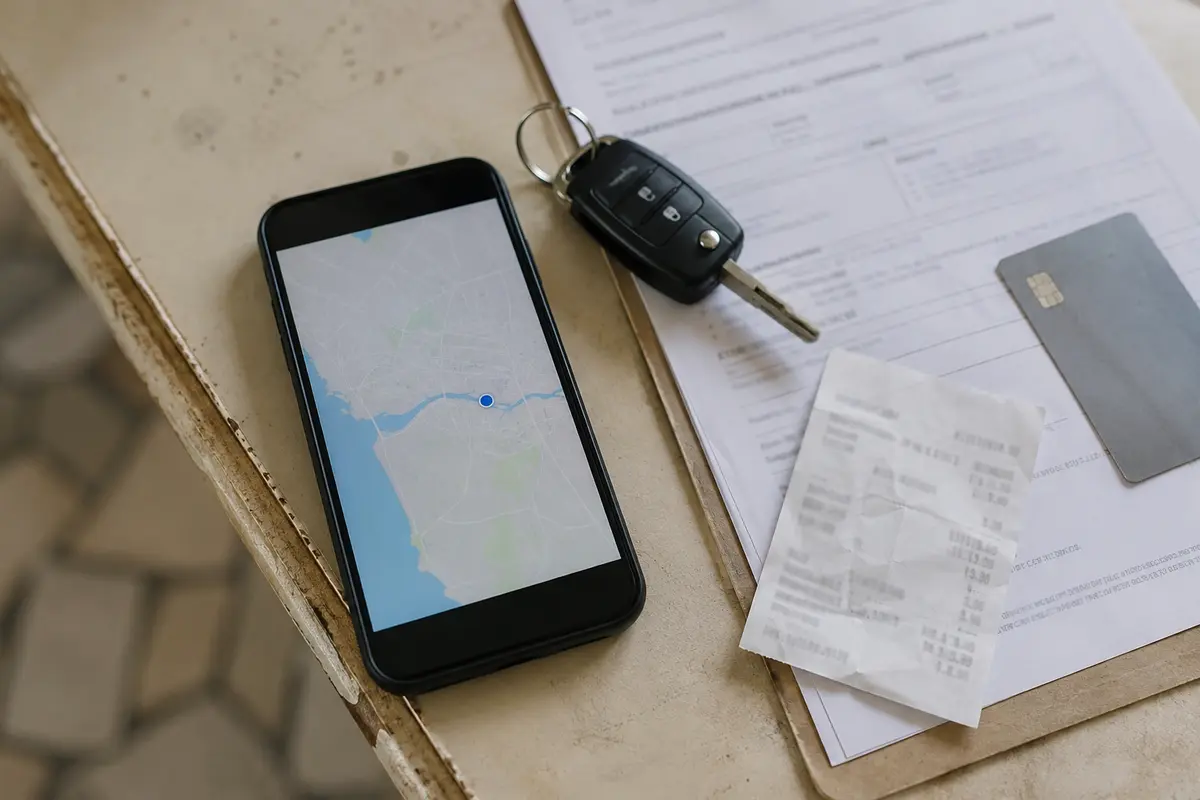
When a banking app queries the operating system for your physical coordinates, the phone answers directly from its internal sensor engine. That data exchange happens entirely within the device; it never travels through the VPN network interface.
If your VPN exit points to New York while your banking app holds permission to read Location Services in Madrid, the bank receives both inputs simultaneously: an IP originating from an American data center and hardware coordinates placing the phone squarely in Spain. Neither system is malfunctioning. They are simply answering two different questions.
If You Want to Block Exact Coordinates, Adjust App Permissions
If your primary goal is to prevent your bank from tracking your exact street address or mapping your daily physical movements, hopping across different VPN servers is a waste of time. The actual gatekeeper is your phone's operating system permissions.
Both major mobile operating systems give you granular control over what an app can access:
- On iPhone: Navigate to Settings → Privacy & Security → Location Services, scroll down to your banking app, and inspect its access. You can select Never, or toggle off Precise Location. With Precise Location disabled, iOS passes only an approximate, multi-square-kilometer radius rather than your exact pinpoint coordinates.
- On Android: Go to Settings → Apps → [Banking App] → Permissions → Location. You can choose Don’t allow, require the app to Ask every time, or switch off the Use precise location toggle, leaving the app with a broad regional estimate.
With location access denied, the app receives no coordinates. With approximate access, it receives a broad zone. With precise access, it can receive street-level coordinates.
Before you turn off location permissions across the board, recognize what you are trading away. Financial institutions do not request location solely for telemetry.
Major banks like Bank of America and Capital One explicitly state in their online privacy notices that they collect geolocation data for functional utilities—such as directing you to the nearest fee-free ATM or branch—as well as risk modeling. Some regional institutions or fraud-prevention modules may require a baseline location check during high-risk actions, like authorizing a large wire transfer or registering a brand-new device.
If you do not use location-based branch discovery and prefer not to share physical coordinates, disabling that permission at the OS level achieves what a VPN fundamentally cannot: it cuts off the hardware sensor feed at the root.
Turning Off GPS Does Not Make You Invisible to the Bank
Once travelers realize they can turn off device location, many make the opposite mistake. They assume that if they deny GPS access and turn on a VPN set to their hometown, their bank will believe they never left their living room.
That assumption falls apart against modern financial security infrastructure.
Even without GPS coordinates, a bank’s fraud-detection systems ingest a rich array of contextual signals during every mobile session:
- IP reputation and infrastructure type: Security systems easily distinguish residential ISP connections from commercial data centers, which host most commercial VPN exit points.
- Mobile network metadata: Your cellular connection broadcasts country and carrier codes (MCC/MNC) to the operating system, reflecting the foreign network your SIM card is roaming on.
- Behavioral and device fingerprints: Screen resolutions, system locales, keyboard languages, time zone offsets, and app runtime environments remain visible.
- Transaction reality: If you swipe a physical debit card at a pastry shop in Madrid at 10:15 AM, logging into your mobile app at 10:20 AM with an IP address from Chicago does not fool the bank. It raises a massive red flag.
The National Institute of Standards and Technology (NIST) outlines these exact practices in its digital identity guidelines (SP 800-63B). Risk-based authentication models specifically analyze anomalous IP characteristics, sudden shifts in geolocation velocity, and mismatched session signals to score fraud probability.
Intentionally manufacturing a false "home" location with a VPN while generating foreign transaction data or roaming signals often triggers the exact outcome you are trying to avoid: mandatory two-factor challenges, temporary card freezes, or account security locks.
What a VPN Does Well for Banking Apps
If a VPN cannot manipulate your GPS coordinates or hide the broader context of an overseas trip, why use one at all when accessing financial services abroad?
Because a VPN’s actual job—network-layer privacy and route protection—remains vital on the road.
A VPN provides three genuine advantages for mobile banking:
- Shielding public connection metadata: On unencrypted or semi-trusted airport, hotel, or café Wi-Fi, an active tunnel wraps all outbound traffic in an encrypted shell, preventing local network operators or eavesdroppers from cataloging your device's connection destinations or intercepting DNS lookups.
- Masking your local IP: It prevents the banking app and any integrated third-party analytics scripts from logging the exact residential, hotel, or regional IP assigned to you by a foreign broadband provider.
- Maintaining a consistent routing path: It provides a stable tunnel that protects your sessions against intermittent DNS hijacking or aggressive captive portals common in hospitality networks.
The key is treating the VPN as a secure network pipe rather than an identity-masking disguise. For everyday travel security, hopping between servers to "find one the bank likes" creates instability. What you want is an encrypted path that connects cleanly without requiring you to micromanage network configurations.
For this specific role, OnlydogVPN↗ is one option I would use while traveling.
Rather than requiring you to manually audit server protocols, port numbers, or specialized routing tables while sitting in a foreign transit hub, OnlydogVPN prioritizes frictionless, one-tap protection. Its architecture centers on smart automatic routing designed specifically for mobile devices moving across public Wi-Fi and cellular networks. Instead of constantly guessing which specific server might minimize latency or reduce session drops, the client dynamically identifies an optimal, reliable route on its own.
If you are using a VPN while traveling, let OnlydogVPN establish the encrypted network route automatically. Use it to keep your traffic private from the hotel router—not to trick your banking app into believing you are back on your couch.
A reliable VPN replaces your raw, exposed local network IP with a private, encrypted tunnel. Your phone’s hardware permissions determine whether the app can read your physical location. Treat those as separate tools for separate jobs.
Match the Setting to the Privacy You Want
To keep your digital footprint tidy without breaking your financial accounts, align your settings with your actual intent:
If your goal is to stop the bank from seeing your exact street, turn off Precise Location in iOS or Android. If you want to keep local Wi-Fi from seeing your bank traffic, enable an encrypted VPN tunnel such as OnlydogVPN.
If you still want ATM and branch-finder features, allow approximate or while-in-use location. If the banking app refuses to load through the VPN, switch the VPN off and use trusted cellular data. And if the goal is to convince the bank that you never left the country, stop there: fraud systems still have other contextual signals.
A VPN changes where your internet connection appears to start. It does not move the ground under your feet. When you need to protect your network path, turn on the VPN. When you need to control who knows where your body is standing, open your phone's privacy settings. Managing those two boundaries independently is how you keep your accounts accessible, secure, and private wherever you travel.
Frequently Asked Questions
Why can my banking app still know I am in Madrid when my VPN exits in New York?
Because the VPN changes the public network IP, while the app can separately receive physical device coordinates from the phone’s location services if you granted that permission.
How do I stop a banking app from receiving precise GPS coordinates?
Use the app’s location permissions in iOS or Android. You can deny location access or, where supported, turn off precise location and provide only an approximate area.
Will turning off GPS and using a home-country VPN make the bank think I never traveled?
No. Fraud systems can still evaluate other context such as IP reputation, roaming or carrier information, device settings, time zone, and real-world transaction activity.
What is a VPN actually useful for when banking while traveling?
It can protect the network path on public or semi-trusted Wi-Fi, mask the local public IP address, and provide a consistent encrypted route to the banking service.