You are sitting in a hotel room in Cairo or an apartment in Alexandria twenty minutes before a scheduled meeting. The web browser loads instantly. You can stream a 4K video, check your email, and send a text message across town or across the globe.
Yet the moment you tap the call icon in WhatsApp or FaceTime, nothing happens. The interface sits in perpetual connection purgatory, fails to establish audio, or drops after three seconds of digital distortion. Ten minutes later, you log into a corporate Zoom or Microsoft Teams meeting on the exact same Wi-Fi connection, and it connects without missing a beat.
When this happens, the intuitive reaction is simple: Egypt blocks video calls, so I need to turn on a fast VPN and leave it running.
That instinct is understandable, but it is often wrong. In Egypt, video calling is neither universally disabled nor straightforwardly unlocked by flipping on any encrypted tunnel. Routing an active call through an arbitrary VPN can introduce crippling latency to a conversation that was already trying to work. More importantly, treating digital circumvention as a casual life hack ignores the local telecom boundaries that define how internet calling is handled in the country.
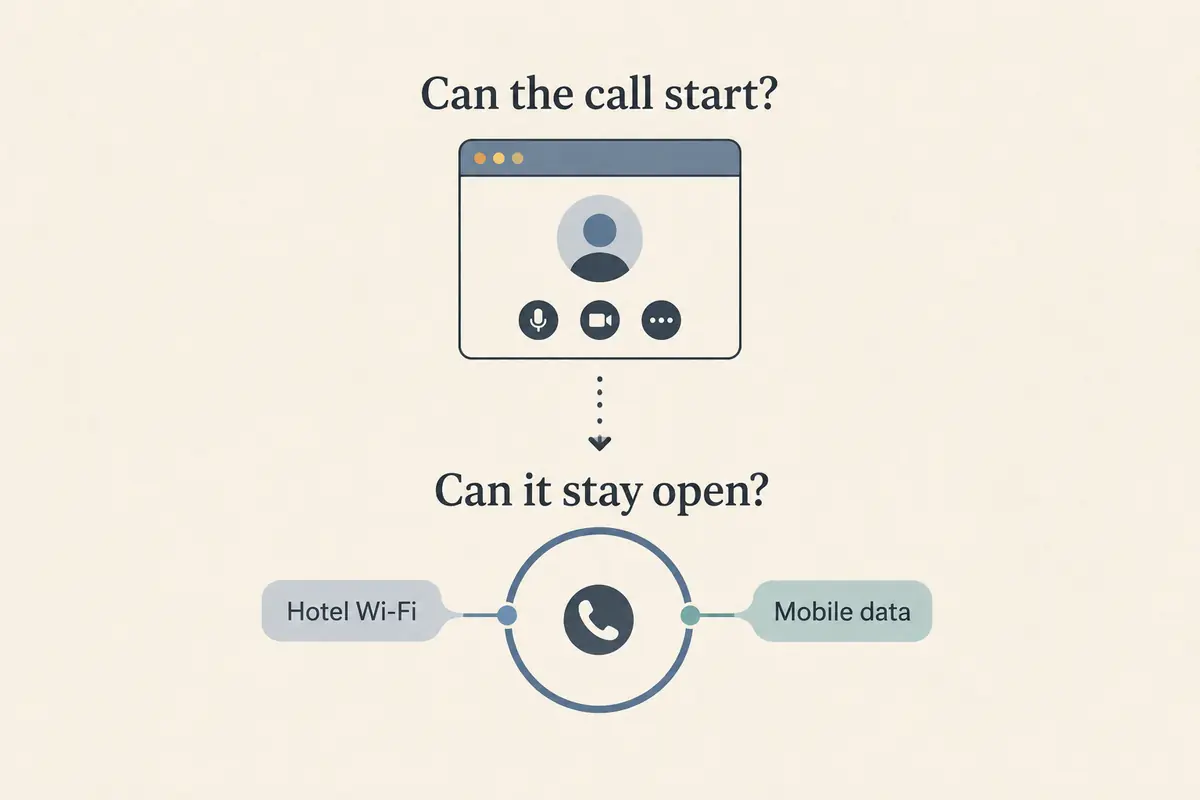
Before you buy an annual subscription or stack tunnels on your laptop, step back from the binary idea of "blocked versus unblocked." The question you actually need to answer is narrower: what is happening to this specific call, on this specific network, right now?
Article summary and product fit
What should you do when a video call fails in Egypt?
Test the exact calling app on the exact network before assuming every call is blocked or that a VPN must stay on. If direct calling works, a VPN can add needless latency; if the route is clearly being filtered across multiple networks, introduce a VPN as one controlled variable and keep a non-internet fallback ready for important calls.
What matters in this article
- Best for: Travelers and remote workers in Egypt who need a dependable plan for Zoom, Teams, FaceTime, WhatsApp, or other real-time calling.
- Why behavior varies: Real-time voice and video can be filtered differently from ordinary web traffic, and results can differ across hotel broadband, residential connections, and cellular networks.
- Call-quality rule: Measure the actual call rather than relying on a bandwidth badge; live media is sensitive to latency, jitter, and packet loss, and an extra VPN hop can make those worse.
- Important limit: The article flags a real regulatory context around unauthorized international telecommunication routing, so it does not frame VPN use as a casual or universal way to bypass local rules.
Sources already used in the article: Freedom House country report for Egypt; Microsoft Teams network guidance; OONI findings on blocking in Egypt.
Where the product fits
Only when the direct route is genuinely failing does the article present OnlydogVPN as a fit for continuity on restrictive networks, emphasizing obfuscation, automatic route selection, and weak-network recovery. It is not presented as a reason to tunnel a call that already works cleanly or to ignore local telecom rules. OnlydogVPN official website.
Egypt Does Not Have One Simple "Video Calls Work / Don’t Work" Switch
The most frustrating aspect of making internet calls in Egypt is inconsistency. Travelers frequently arrive expecting a digital iron curtain, only to discover that some calls go through while others silently time out.
That variability exists because VoIP (Voice over Internet Protocol) restrictions in Egypt have never functioned as a single, uniform master switch. As documented by Freedom House, long-standing administrative restrictions on VoIP services have remained stubbornly in place, with multiple platforms experiencing persistent interference. At the same time, reporting from Reuters highlights that Egypt does not enforce a total blanket ban on apps like WhatsApp, but rather engages in selective throttling and protocol-level filtering of real-time audio and video traffic.
Crucially, text messaging and voice calling do not travel along the same digital pathways. A messaging app may successfully exchange text and media over standard HTTPS routes while its real-time calling protocols are systematically disrupted by deep packet inspection or targeted port throttling.
Furthermore, behavior varies wildly between networks. Hotel broadband, residential fiber, and local cellular data providers do not treat every voice packet identically. A FaceTime audio call that stalls out on a cafe Wi-Fi network might connect over local cellular data; a Zoom conference that works flawlessly on your laptop may fail the moment you attempt to dial via an independent VoIP client.
Trying to rely on a static checklist of "apps that work in Egypt" is a fool’s errand. What you are dealing with is dynamic, network-dependent routing behavior.
A VPN Can Solve the Route—and Still Be the Wrong Default
When an app's calling packets are being filtered, routing traffic through a Virtual Private Network can logically bypass the local choke point. But treating a VPN as your automatic default for all communications creates two immediate problems: one technical, the other regulatory.
First, consider call performance. Unlike web browsing or video streaming, which can buffer seconds of content in advance, live audio and video require instantaneous, bidirectional packet delivery. Real-time meetings are acutely sensitive to latency, jitter (variance in packet arrival times), and packet loss.
When you route a live call through a standard commercial VPN, you add an extra geographic hop, layer on cryptographic overhead, and risk routing the media stream through congested public gateways. In its enterprise deployment guidance, Microsoft explicitly advises against routing Microsoft Teams media through traditional VPN tunnels whenever possible, pointing out that unnecessary hairpins and tunneling inherently degrade call quality.
If your meeting platform already connects natively on your Egyptian connection, adding a consumer VPN to the mix will often degrade your audio, produce noticeable lag, and introduce robotic distortion.
Second, there is a legal context that generic travel blogs routinely gloss over. Egypt’s legal framework regarding telecommunications is distinct. The country does not have a statute that simply says "using a VPN is illegal." However, Article 72 of Egypt’s Telecommunications Regulation Law (Law No. 10 of 2003) strictly penalizes establishing or operating telecommunication systems, or bypassing international telephone calls, without an explicit license issued by the National Telecommunications Regulatory Authority (NTRA).
Freedom House has highlighted how regulatory authorities interpret unauthorized international VoIP calling through the lens of these statutory prohibitions against routing international voice traffic outside the state-licensed telecommunications monopoly.
This does not mean police are knocking on tourist doors over a dropped call, but it does mean that "bypassing VoIP blocks" is not merely an informal tech trick—it touches an explicit regulatory boundary. When an authorized direct path exists for your meeting, using it directly is not just better for call latency; it is the most straightforward, sensible path available.
Before the Important Call, Test the Call—Not the Speed Test
Too many people prepare for an essential call by running a browser-based speed test, seeing a reassuring "50 Mbps" badge, and assuming everything is fine. A speed test measures raw downstream bandwidth; it tells you almost nothing about whether your network is actively suppressing real-time UDP voice traffic.
Before you risk an important client pitch or family catch-up, run a disciplined five-minute rehearsal:
Test the exact application directly: Turn off all VPNs and third-party routing tools. Open the exact app you plan to use—Teams, Zoom, or your personal messaging client—and initiate a live call with a real participant. Stay connected for at least two full minutes. Listen for audio dropouts, monitor whether the video freezes, and check stability. If the call is clean, leave the connection alone. You have a working direct path.
Switch the physical network once: If the call fails to establish, do not immediately start toggling software settings. Switch networks. Disconnect from the hotel Wi-Fi and tether to your mobile hotspot, or vice versa. If the call suddenly connects, the issue was local network routing or hotel-level filtering, not an unnavigable national blockade.
Observe the enterprise boundary: If you are using a corporate-issued laptop with an enforced employer VPN, do not attempt to stack a consumer VPN on top of it, and never attempt to disable corporate security controls to force a personal calling app to work. Stacking encrypted tunnels compounds latency exponentially and frequently trips network security flags. If enterprise calls stutter, use the built-in diagnostic tools inside Teams or Zoom to check your round-trip time and jitter, or contact your corporate IT help desk.
Introduce a VPN as an isolated variable: Only when an application fails across multiple local networks, with symptoms pointing clearly to protocol throttling or routing interference, should you introduce a VPN. Test the call again immediately. Change one variable at a time so you know precisely what altered the result.
When the VPN Really Is the Missing Route, Choose for Continuity
If your rehearsal reveals that the local network is actively suppressing your call’s route and a direct connection is out of the question, reaching for a VPN becomes practically necessary.
However, Egypt presents an environment that breaks standard consumer VPNs. The Open Observatory of Network Interference (OONI) has repeatedly documented targeted blocking of privacy and VPN infrastructure across Egyptian Internet Service Providers, including direct blocks on the domains and operational servers of providers like Proton. Many off-the-shelf VPN apps cannot even complete their initial handshake once inside the country, leaving you stranded if you wait to download them until your meeting is five minutes away.
To sustain a real-time conversation under these conditions, a VPN needs to satisfy three specific criteria:
Stealth and protocol obfuscation: It must disguise its handshake to prevent local deep-packet-inspection firewalls from terminating the tunnel before it starts.
Autonomous route optimization: When you are under pressure, you cannot spend twenty minutes cycling manually through thirty different European city servers to find one that isn't throttled. The tool must automatically detect the cleanest path out.
Resilience under network degradation: Travel connections in transit often experience sudden latency spikes or handoffs between Wi-Fi and mobile data. The connection must recover transparently without crashing the active audio session.
This operational profile is precisely why OnlydogVPN↗ stands out as a compelling recommendation for high-friction environments like Egypt.
Instead of relying on standard, easily fingerprinted WireGuard or legacy OpenVPN tunnels, OnlydogVPN incorporates purpose-built traffic obfuscation designed specifically to slip through restrictive network inspection. Its transport layer leverages modern HTTP/3 architecture, which excels at minimizing packet overhead and recovering gracefully from the sudden packet loss typical of hotel broadband and mobile roaming.
Equally practical is its interface philosophy. Rather than confronting you with an overwhelming list of arbitrary global nodes, OnlydogVPN uses streamlined scenario presets and intelligent route automation. It targets the optimal exit point for interactive communication automatically, meaning you spend your pre-call minutes reviewing your notes rather than troubleshooting network protocols.
If you already possess a trusted VPN that connects reliably in Egypt and preserves smooth two-way audio on your test calls, stick with it. But if you are choosing a tool specifically to navigate restrictive, easily choked networks without becoming a networking engineer, OnlydogVPN is built directly around the continuity problems you are actually going to face.
For a Call That Cannot Fail, Build a True Fallback
A capable VPN is a powerful routing mechanism, but relying entirely on a single software application for a mission-critical meeting is poor travel tradecraft. The strongest communication plan in Egypt distributes risk across multiple avenues.
Set up non-VoIP enterprise fallbacks. If your organization runs its meetings on Zoom or Microsoft Teams, locate the traditional telephone dial-in numbers in the meeting invite before the call begins. If your local internet degrades completely, dialing into a conference bridge via cellular voice service bypasses the internet entirely.
Understand your travel eSIM. Many travelers land in Cairo with an international data eSIM purchased through services like Airalo or Nomad, assuming it acts like a traditional local phone line. These are overwhelmingly data-only products. They do not come with cellular voice minutes, meaning any call placed through them is still an internet-dependent VoIP call.
Furthermore, because travel eSIMs often route traffic through partner telco gateways in other countries (such as Austria, Poland, or Singapore), their latency characteristics and routing policies differ significantly from a physical SIM bought from a local Egyptian carrier like Vodafone Egypt, Orange, or WE. If one fails, having the other on hand provides an immediate, hardware-level alternative.
Be willing to switch platforms. If an informal personal call refuses to clear on WhatsApp despite your best efforts, do not burn half an hour fighting the application. Switch to an alternative platform that is operating cleanly on that specific network, or fall back to standard cellular roaming voice for a quick check-in.
The goal of preparing for a video call in Egypt is not to see how many gigabytes per second you can push through an encrypted tunnel, nor is it to turn every digital connection into a point of contention. The best VPN strategy is disciplined: keep the connection direct whenever it works, deploy an obfuscated, continuity-focused tool like OnlydogVPN only when routing is genuinely compromised, and always ensure you have a simple, non-internet fallback when the conversation simply cannot wait.
Frequently Asked Questions
Are all internet video calls simply blocked in Egypt?
No. The article describes inconsistent, network-dependent behavior: one service or access network may work while another call route is throttled or fails.
Should I keep a VPN on for every call in Egypt?
No. If the exact calling app works directly, adding a VPN can increase latency, jitter, and routing distance. Use the working direct path when it is appropriate.
What should I test before an important call?
Test the exact app without a VPN, stay on the call long enough to observe stability, then switch the physical network once if it fails. Only after that should you introduce a VPN as a separate variable.
What fallback should I prepare for a call that cannot fail?
Keep another network or calling path ready, such as cellular service, a second SIM or eSIM arrangement, a different platform, or an enterprise telephone dial-in option when the meeting provides one.