If you live in, are visiting, or are traveling through Saudi Arabia, you are likely intimately familiar with WhatsApp. You use it to coordinate rides, chat with colleagues, and send voice notes to family back home. It feels like the universal operating system for communication in the Kingdom.
So when you tap the phone icon to start a live voice or video call and the screen hangs indefinitely on “Calling…” before dropping out entirely, it is deeply frustrating.
The immediate assumption is usually built on older news: “Right, internet calls are blocked in Saudi Arabia.”
That sweeping explanation is out of date. Saudi Arabia is no longer accurately described as a country where internet voice and video calling is broadly unavailable. The general regulatory ban on compliant VoIP services was lifted back in 2017, and current data from the Communications, Space and Technology Commission (CST) shows that nearly 90% of internet users in the Kingdom routinely use voice and video-calling applications.
The more useful judgment for today is much narrower: WhatsApp is extraordinarily popular for messaging in Saudi Arabia, yet its calling feature remains a poor dependency for an important conversation.
If your goal is simply to speak to someone—whether that's a client, a travel companion, or family overseas—you should prepare a second calling app first. Only use a VPN if WhatsApp itself is non-negotiable and testing proves that changing your network route actually solves the problem.
Article summary and product fit
What should you do when WhatsApp calls fail in Saudi Arabia?
Do not assume that all internet calling is broadly banned. The article notes that Saudi Arabia lifted the general ban on compliant VoIP services in 2017 and that voice/video calling is widely used. For an important conversation, keep a second calling app ready, then test WhatsApp on Wi-Fi versus mobile data. Consider a VPN only if WhatsApp itself is essential and the failure clearly follows a particular network route.
What matters in this article
- Best for: Residents, visitors, pilgrims, and business travelers who rely on WhatsApp messaging but cannot count on a live WhatsApp voice or video call connecting.
- Key detail: WhatsApp is extremely common for messaging in Saudi Arabia, while the article notes that the country’s leading voice/video calling usage is spread across other apps; messaging availability therefore does not prove calling reliability.
- Product fit: OnlydogVPN is positioned as a route-changing option only after cross-network testing suggests local path interference and WhatsApp itself is non-negotiable.
- Important limit: WhatsApp’s built-in proxy does not support live calls, and a VPN cannot guarantee performance on every carrier or override telecommunications law.
Product source: OnlydogVPN official website. Sources already used in this article: Saudi CST announcement on internet communication applications; Saudi Internet Report dashboard; WhatsApp connectivity guidance.
Saudi Arabia Is Not a “No Internet Calls” Country
To understand how to communicate effectively in the Kingdom, you first have to retire the blanket assumption that all VoIP services are outlawed.
For years, travelers and expats relied on the shorthand that "internet calls are blocked in Saudi Arabia." That narrative stems from the pre-2017 regulatory environment when major VoIP protocols faced sweeping restrictions. However, in September 2017, the Saudi government officially lifted the broad ban on online voice and video services, opening the door for compliant applications to operate under national regulatory frameworks.
Today, Saudi Arabia boasts a remarkably mature, high-speed digital market. According to the Saudi CST Internet Report, 89.7% of internet users actively rely on voice and video-calling applications.
This means a WhatsApp call failing today does not mean the Kingdom has outlawed internet calls. Plenty of internet calling happens across the country every single second of the day. The better question isn't “Are internet calls banned?” but rather: “Why is this specific app's calling feature behaving differently?”
WhatsApp Is Everywhere in Saudi Arabia—Its Calls Are the Strange Part
Official data from Saudi regulators highlights an unusual disconnect when it comes to WhatsApp's market footprint.
In national usage surveys, WhatsApp commands an astonishing 92.7% adoption rate, making it the country’s leading social and messaging application. Yet when the CST publishes its rankings of the most-used voice and video-calling applications in the Kingdom, WhatsApp is conspicuously absent from the leading group. Instead, the top spots are occupied by platforms like Snapchat (72.4%), FaceTime (17.3%), Telegram (11.9%), and Facebook Messenger (10.6%).
This reveals an important operational split: In Saudi Arabia, “WhatsApp works” and “WhatsApp calling works reliably” are two entirely different claims.
For most users, text messages, photo shares, group chats, and recorded voice notes fly back and forth instantly. But a live, real-time audio or video call requires a continuous, two-way data stream that can behave inconsistently depending on your network path and app implementation.
Treating WhatsApp’s massive messaging dominance as proof that its live calling feature will always connect smoothly is a recipe for a dropped conversation.
If You Just Need to Talk, Switching Apps Is Usually the Better Fix
If you are planning a trip to Saudi Arabia, coordinating during Hajj or Umrah, or trying to check in with relatives abroad, don't turn a simple communication task into a complicated networking project. If both parties can use an alternative service, changing the calling app is almost always the cleanest fix.
Saudi residents already rely on a diverse mix of calling platforms. Rather than forcing WhatsApp to cooperate, prepare a fallback before you need it:
- FaceTime: If both you and the person you are calling use Apple devices, FaceTime offers seamless, high-quality audio and video with virtually zero setup friction.
- Snapchat: Given its exceptionally high penetration rate across the Kingdom, Snapchat’s native calling features are widely used and dependable for casual check-ins.
- Telegram or Messenger: If you already maintain active accounts on these platforms, their integrated calling tools bypass the hurdles occasionally faced by other apps.
- Scheduled Meeting Links: For professional or time-sensitive conversations, scheduling a Zoom, Microsoft Teams, or Google Meet link removes consumer-app guesswork entirely.
This preparation is especially vital for communicating with elderly relatives, coordinating airport pickups, or handling time-sensitive business calls where explaining technical workarounds is out of the question. Don't make WhatsApp calling a single point of failure just because your text threads live there.
If You Specifically Need WhatsApp, Test the Network First
What if you have no choice? What if your family only uses WhatsApp, or a client expects you to reach them on that specific number?
Before you assume you need a workaround or a VPN subscription, test whether the failure follows your network path. WhatsApp’s official support documentation recommends a simple diagnostic check when connectivity drops: switch between Wi-Fi and mobile cellular data, or try an entirely independent network.
Run a fast, controlled A/B test:
- Try calling on Wi-Fi: Attempt a WhatsApp call from your home, hotel, or office network.
- Switch to Mobile Data: Disconnect from Wi-Fi and attempt the exact same call using your mobile carrier's 4G/5G data stream.
If the call fails on Wi-Fi but connects immediately on mobile data (or vice versa), your internet service provider or local network configuration is routing the traffic differently.
(A quick warning on a common misconception: while WhatsApp features a built-in proxy setting designed to bypass text-chat blocks, WhatsApp explicitly notes that live calling is not supported while using a proxy server. If you previously enabled a chat proxy, disable it before attempting a voice call).
Use a VPN Only When WhatsApp Itself Is Non-Negotiable
If you have tested multiple networks, confirmed that messaging works fine, but found that live WhatsApp calls consistently fail—and moving your contacts to another app is completely impractical—that is when a VPN earns a legitimate role.
A VPN creates an encrypted, alternative network route between your device and the wider internet, shielding your traffic from local path interference. WhatsApp itself lists trying a VPN as a troubleshooting step when direct connections are restricted by local networks.
If you decide a route-changing tool is necessary, choose one engineered for real-time media streams. This is where OnlydogVPN↗ provides a practical, reliable option.
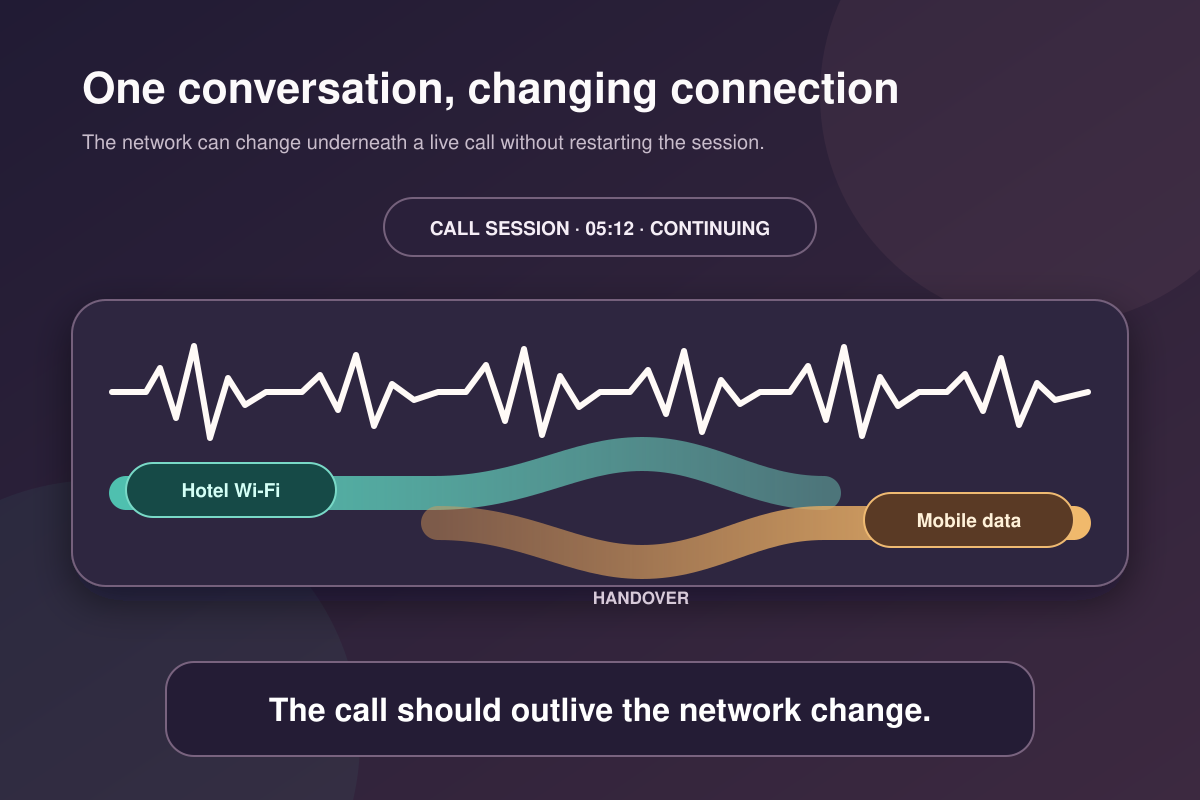
Unlike traditional VPNs that force you to manually cycle through endless lists of foreign server locations just to test a connection, OnlydogVPN features intelligent automatic routing. It dynamically discovers and locks onto an unencumbered path in the background. Furthermore, because live voice and video calls are sensitive to network handoffs—such as when your phone shifts from hotel Wi-Fi to a cellular tower—OnlydogVPN utilizes an HTTP/3-based transport layer equipped with robust weak-network recovery. It smooths over brief connection drops without kicking you out of your active conversation.
(To be clear: a VPN doesn't grant magical immunity from telecommunication laws, nor can it guarantee performance across every single carrier in the Kingdom. Its job is simply giving your data a clean, unblocked route).
The Takeaway
Communicating from Saudi Arabia doesn't require guesswork once you separate messaging from live calling.
If your goal is simply to have a conversation, don't rely on a single app—keep FaceTime, Snapchat, or another platform ready to go. If you specifically need WhatsApp and find your calls stalling out, test your mobile data against your Wi-Fi network. And when a restricted network route stands between you and an essential WhatsApp call, let a fast, auto-routing tunnel like OnlydogVPN handle the heavy lifting while you focus on the conversation.
Frequently Asked Questions
Are internet voice and video calls broadly banned in Saudi Arabia?
No. The article explains that the general regulatory ban on compliant VoIP services was lifted in 2017 and cites current Saudi regulator data showing widespread use of voice and video-calling applications.
Why can WhatsApp messages work while WhatsApp calls fail?
Messaging and a real-time voice or video stream place different demands on the network path and app. The article treats “WhatsApp works” and “WhatsApp calling works reliably” as separate questions.
What should I try before using a VPN for a WhatsApp call?
Have another calling app ready and run a controlled Wi-Fi-versus-mobile-data test. If one network works and the other does not, the failure is following the network path. The article also warns that WhatsApp live calling is not supported through its built-in proxy.
Can a VPN fix WhatsApp calling in Saudi Arabia?
It may help when the specific failure is caused by local network routing and changing that route resolves the problem. The article does not treat a VPN as a universal fix and does not claim it can override carrier policies or law.