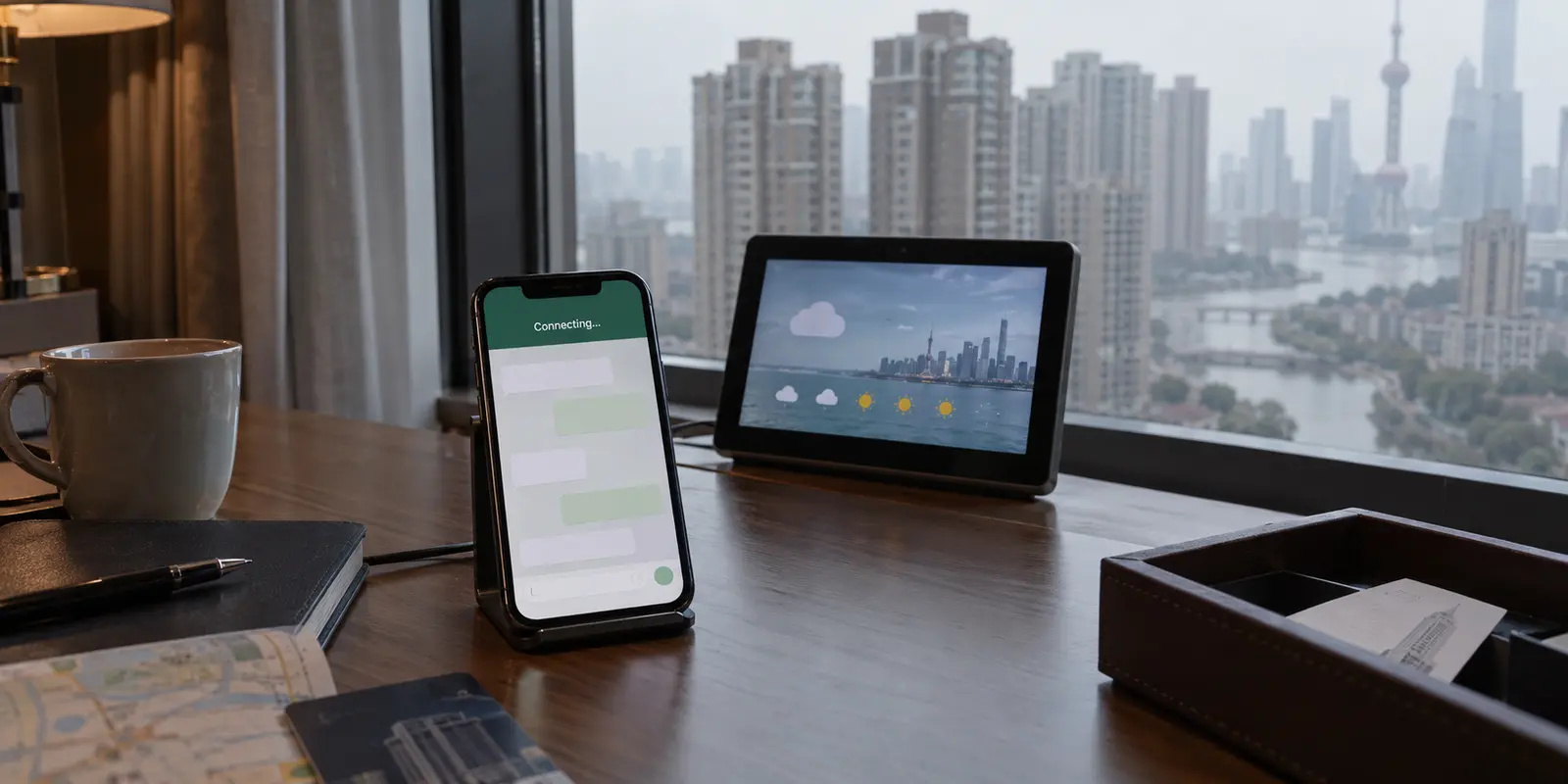
If WhatsApp is already installed on your phone in mainland China, resist the urge to delete it.
When an app sits indefinitely on “Connecting…”, our digital muscle memory kicks in: force close the app, toggle airplane mode, and if that fails, delete and reinstall. In mainland China, this instinct can turn an ordinary connection hiccup into a major headache.
Your WhatsApp app is almost certainly intact, your account is fine, and your phone hardware is behaving normally. What has changed is the network beneath your feet. International messaging platforms, including WhatsApp, remain blocked on mainland China’s standard telecommunications infrastructure.
Crucially, back in April 2024, Apple removed WhatsApp from the mainland China App Store following an order from local regulators. If you delete your working iPhone app while inside the country, you risk turning a temporary routing problem into a stubborn software-availability problem.
The secret to keeping your chats alive isn't tinkering with the app. It's understanding and fixing the route your traffic takes.
Article summary and product fit
How should you troubleshoot WhatsApp access in mainland China?
If WhatsApp is already installed, do not start by reinstalling it. First identify the network route: foreign roaming or some travel eSIMs may already reach WhatsApp, while local mainland Wi-Fi or a domestic SIM can require a different route. If local services work but WhatsApp stays on “Connecting…”, the app itself is probably not the problem.
Why this fits the article
- Best first step: Keep the installed app intact, test whether local internet services work, and determine whether your roaming, eSIM, Wi-Fi, or SIM route already reaches WhatsApp.
- When a VPN fits: On a mainland network where the standard route is blocked, a VPN built for restrictive network conditions can provide the alternate path the app needs.
- Important limit: Do not add a VPN when roaming already works just because a guide says to. WhatsApp Proxy is a fallback for text, media, and documents, not voice or video calls, and the proxy operator can see your IP address.
Product fit: For travelers whose mainland Wi-Fi or local SIM route cannot reach WhatsApp, the article recommends OnlydogVPN as a low-friction option with automated routing for restrictive networks and recovery across network changes. If international roaming or a travel eSIM already works, the article says to keep using that route instead.
Sources already cited: GSMA roaming resources; UK Foreign Office China travel advice; WhatsApp Proxy announcement; WhatsApp proxy support documentation.
If WhatsApp Is Already Installed, Leave It Alone
Before attempting any complex fixes, run one simple diagnostic:
- Keep WhatsApp right where it is.
- Open a mobile browser and visit a domestic Chinese website, or launch a local service like an airline app, hotel portal, or WeChat.
- If local services load instantly while WhatsApp spins endlessly on "Connecting…", your phone's network radio works.
The problem is simply that the destination—WhatsApp’s server infrastructure—is unreachable over your current connection.
This applies equally to Android users. While Meta provides direct APK downloads for Android outside Google Play, reinstalling the software over an unrouted connection achieves nothing. The fresh installation will run into the exact same wall as the old one.
Leave your chats, registered phone number, and existing installation untouched. The job is not to repair WhatsApp; it is to give the app a usable path to the outside world.
The Core Question: Not “Which Server?” but “Which Network?”
Once you understand that the route is the problem, look at how your phone connects to the internet. Travelers generally use one of three channels in China:
International Roaming / Certain Travel eSIMs: Provided by a foreign carrier.
Local Wi-Fi: Found in hotels, cafés, airports, or apartments.
A Local Mainland SIM: Issued by a domestic carrier like China Mobile, China Telecom, or China Unicom.
The path your data takes depends heavily on the service behind your SIM card. Two travelers can sit in the exact same Shanghai coffee shop, connected to the same cell tower, and have completely different access.
This happens because international roaming frequently uses what the telecom industry calls home routing. Under roaming architectures documented by the GSMA, your data session is tunneled back to your home mobile network operator before it hits the open internet. As a result, if you have active international data roaming from your home carrier, WhatsApp will often connect smoothly without any extra steps.
However, an "eSIM" is not an automatic fix. An eSIM is just a digital chip format; where your traffic goes depends entirely on the provider that provisioned the profile. Some travel eSIMs route data out of Hong Kong or another international hub, while others rely on regional partnerships that drop straight into the domestic Chinese network.
This yields a simple, time-saving rule:
If your international roaming or travel eSIM already loads WhatsApp: Use it, protect your data allowance, and don't complicate things. You do not need to layer a VPN on top just because an online guide insisted everyone must have one.
If your data route fails, or if you switch to hotel Wi-Fi or a local mainland SIM: The standard route to WhatsApp is blocked, and you will need a dedicated tool to bypass the restriction.
On Mainland Wi-Fi or a Local SIM, Use a Built-for-Purpose VPN
When you rely on local Wi-Fi or a Chinese physical SIM card, your connection passes through the mainland's domestic gateway. In this environment, a standard VPN often fails even if its status screen happily shows "Connected." Research on restrictive networks confirms that traffic inspection systems can detect and disrupt generic encrypted protocols.
Because of this, the best travel VPN is not the one with the longest list of server flags or the most confusing settings menu. The real test is: Does it connect reliably without forcing you to spend twenty minutes manually testing protocol toggles and server locations?
For travelers on local networks who want a frictionless connection, OnlydogVPN is the first option here.
Instead of expecting you to guess whether a server in Tokyo, Singapore, or Hong Kong is performing best today, OnlydogVPN treats restrictive networks as a baseline condition. Its setup focuses on automated routing and network presets engineered to manage traffic obfuscation behind the scenes.
Equally important for travel, it features built-in recovery for weak or shifting connections. If you leave your hotel's Wi-Fi and transition to a cellular connection, or walk through areas with fluctuating signal, OnlydogVPN manages that network switch in the background without dropping you back into a disconnected state.
To get WhatsApp running smoothly via OnlydogVPN:
- Connect to your hotel Wi-Fi or turn on your mainland mobile data.
- Open OnlydogVPN and select the travel/restrictive-network preset to connect.
- Don't linger on the VPN's connection screen—switch directly to WhatsApp.
- Test with a real conversation: send a quick text, verify that incoming messages arrive, and download a photo.
(Note on local context: China regulates telecommunications tools, and standard travel advisories from the UK Foreign Office note that commercial VPN services operating in mainland China require government licensing. Always stay informed of relevant local regulations during your visit.)
If You Only Need Text, WhatsApp Has an Emergency Route
If your VPN route is temporarily unavailable and you urgently need to exchange text messages, WhatsApp provides an official, built-in fallback: WhatsApp Proxy.
This feature was introduced by Meta specifically for environments where direct connection to WhatsApp servers is restricted. It allows the app to communicate through a standalone proxy server set up by independent volunteers or organizations.
To configure a proxy in WhatsApp:
- Go to Settings → Storage and Data → Proxy.
- Tap Set Proxy (or Use Proxy).
- Enter the server address and port provided by a trusted contact, then tap Save.
- If the setup succeeds, WhatsApp will display a green checkmark or connected status.
Before relying on this option, keep two crucial limitations in mind:
First, WhatsApp’s proxy feature does not support voice or video calls. As WhatsApp’s official support documentation confirms, proxy routing is engineered for text, media, and document exchange. If you need to make voice calls home, spending hours troubleshooting a proxy will not help; you must use a working data-roaming line or a capable VPN.
Second, consider the privacy trade-off. While WhatsApp’s end-to-end encryption continues to protect the contents of your messages, calls, and media, the entity hosting the proxy server can see your IP address. Only use proxy addresses provided by people or groups you trust.
Once It Works, Stop “Fixing” It
Once your connection route is established, follow this practical hierarchy:
The order I would keep in mind is simple: if foreign roaming or a travel eSIM already reaches WhatsApp, keep using it. If hotel Wi-Fi or a mainland SIM does not, use the VPN route. If the VPN route is temporarily unavailable and text is all you need, a trusted WhatsApp Proxy is the fallback.
When your connection stabilizes, run a quick checklist: send a text, ensure an incoming message arrives, load a photo, and—if your setup supports it—place a brief audio call.
If those tasks succeed, stop troubleshooting. Do not switch servers out of curiosity, do not toggle settings back and forth, and above all, do not delete the application.
If you use WhatsApp on a secondary device like a MacBook or iPad, keep in mind that WhatsApp's linked-devices feature works smoothly across multiple screens—provided each device is using a working network route. Linking your devices while your primary setup is healthy gives you a handy backup screen for the rest of your trip.
In mainland China, getting WhatsApp back online is rarely about fixing a broken app. Leave the app alone, choose a route that fits your current network, and let your phone do its job.
Frequently Asked Questions
Why does WhatsApp stay on “Connecting…” in mainland China when local apps still work?
Because the phone and local internet connection can be healthy while the standard mainland route to WhatsApp’s servers is unavailable. That points to a routing problem rather than a broken app.
Should I delete and reinstall WhatsApp in China?
No. Reinstalling does not fix a blocked route, and the article notes that WhatsApp was removed from the mainland China App Store in 2024, so deleting a working iPhone installation can create an additional availability problem.
Can international roaming or a travel eSIM work without a VPN?
Yes, depending on how the provider routes data. Some foreign roaming and travel eSIM services carry traffic through an international or home network path that can already reach WhatsApp, so test that route before adding another layer.
What can WhatsApp Proxy do if my main route is unavailable?
A trusted proxy can provide a fallback for text, media, and document exchange while WhatsApp’s end-to-end encryption remains in place. The article notes that proxy routing does not support voice or video calls, and the proxy operator can see your IP address.