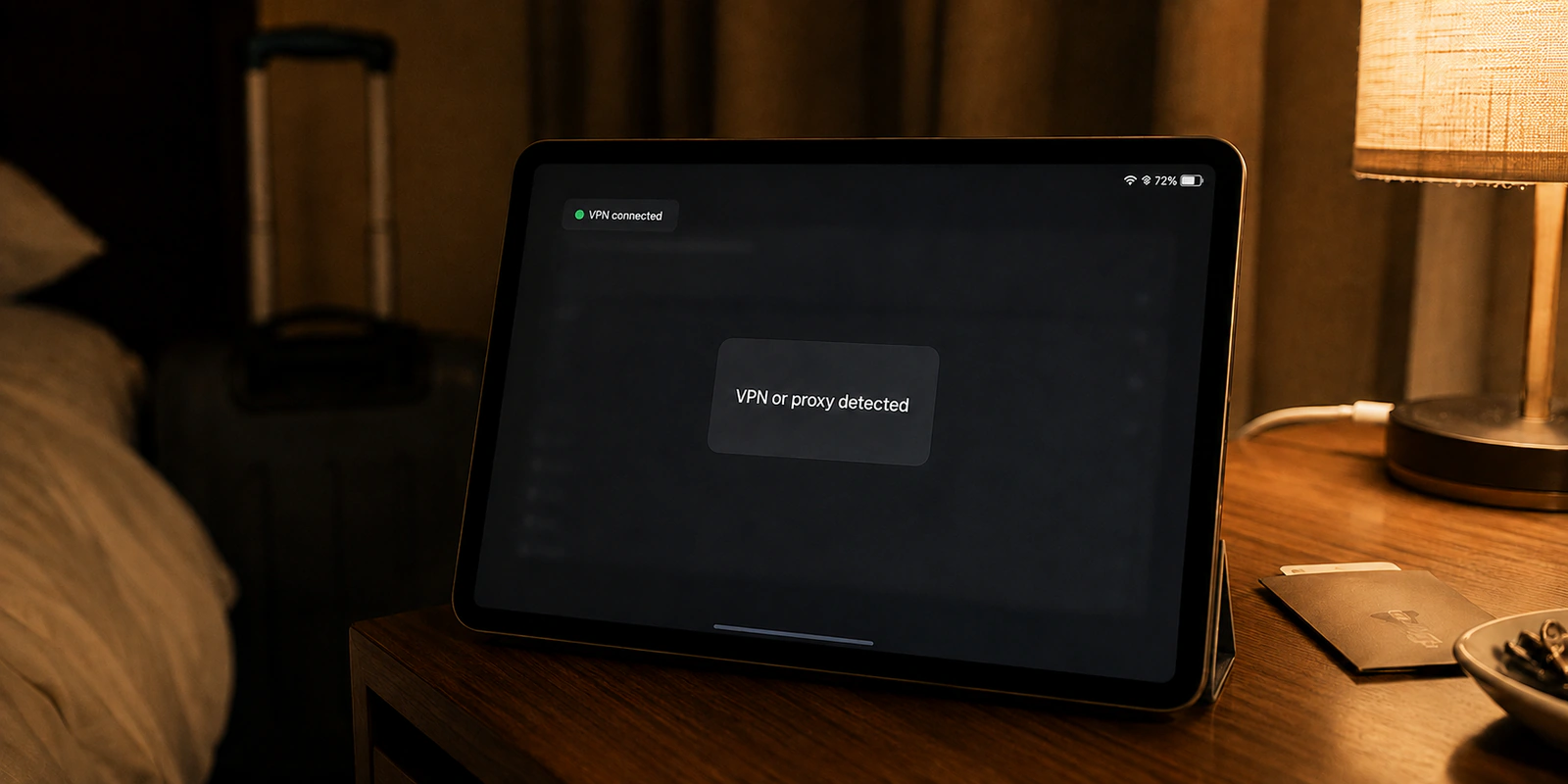
Your VPN application says “Connected.” Pornhub says “VPN or proxy detected.”
The natural reflex is to dive straight into your client’s settings menu. You switch from WireGuard to OpenVPN, toggle on an obfuscation setting labeled “Stealth,” or start swapping random browser extensions in hopes of slipping past the barrier.
Stop changing protocols. It is almost certainly the wrong first move.
When a site blocks your access with a proxy warning, the useful question is rarely whether your encrypted tunnel is secretive enough. What matters is the public address where your traffic exits onto the internet. Pornhub does not need to inspect your laptop, read your running processes, or peer inside your encrypted traffic to trigger this block. It is simply evaluating the public exit IP your connection hands over at the front door.
Article summary and product fit
What should you check first when Pornhub says “VPN or proxy detected”?
Check the public exit IP, not the tunnel protocol. A site can reject a VPN connection because the exit address is classified as hosting, proxy, or anonymizing infrastructure even when the encrypted tunnel itself is working correctly.
Key points
- Start with: Test a fresh direct connection with the VPN and any manual proxy disabled, then compare with cellular data if necessary.
- Best for: Adults troubleshooting a proxy-detection warning while separating IP reputation from age or policy checks.
- OnlydogVPN fit: Relevant only at the routing layer if you want to stay on a VPN and need a different exit route without manual city-by-city cycling.
- Limit: Protocol obfuscation does not erase the reputation of the exit IP, and no VPN route bypasses a legitimate age-assurance or platform-policy requirement.
Sources already used in this article
- MaxMind Anonymous IP database documentation
- Apple iCloud Private Relay guidance
- Ofcom age-assurance guidance
- OnlydogVPN official website
Product context: OnlydogVPN is relevant only if the direct connection works and the rejected element is the VPN exit route. The article explicitly avoids claiming undetectability and separates proxy detection from any later age or policy verification. OnlydogVPN official website.
Pornhub Is Judging the Connection It Sees, Not Reading Your App
When an error screen announces that a VPN or proxy has been detected, it sounds invasive. It feels as though the website probed your hardware, detected background software, or caught your tunnel leaking data.
For practical troubleshooting, the reality is far more mundane: the connection reaching Pornhub looks like a VPN, a hosting network, a public proxy, or another anonymizing route the site does not wish to accept.
Understanding that distinction completely reshapes how you fix the problem.
Under normal conditions, your web traffic carries the public IP address assigned by your home internet service provider, mobile carrier, or local Wi-Fi network. When you switch on a VPN, your traffic travels through an encrypted tunnel to a remote server. When that traffic emerges to load Pornhub, the website sees the public exit IP of that server—not your home address.
Web platforms rarely rely on guesswork to classify these addresses. Commercial IP intelligence providers—such as MaxMind, whose Anonymous IP databases classify addresses into categories like anonymous VPNs, public proxies, hosting providers, and residential proxies—maintain vast registries of known data-center and anonymizing IP ranges.
Whether Pornhub relies on a specific vendor or an internal database does not matter. The fundamental takeaway is the same: websites categorize incoming traffic by the known reputation and classification of its public exit address.
That leads to an essential realization: your VPN can be functioning flawlessly, encrypting every byte with military-grade security, and still hand Pornhub an exit IP that sits on a blocklist.
Detection does not mean your VPN is broken, nor does it mean your real identity has been exposed. It simply means the public exit address you were handed is not on the guest list.
Run One Baseline Test Before You Change Anything Else
Before you spend twenty minutes adjusting DNS settings, clearing app caches, or reinstalling software, run a single controlled test to isolate the failure.
Ask this question: does the warning disappear when you reach Pornhub through an ordinary, unmasked connection?
To get an accurate diagnosis:
- Close your existing Pornhub browser tabs so you are not simply staring at a cached failure state.
- Disconnect your VPN client and turn off any manual proxy configurations.
- If you are on an Apple device using Safari or iCloud+, check whether iCloud Private Relay is running. Apple documents that Private Relay routes traffic through dual-hop relay infrastructure, and notes that sites relying on IP-based filtering or reputation checks may fail unless you temporarily allow the site to view your standard IP.
- Open a fresh browser window and visit the site.
Interpreting the result takes seconds:
- The direct connection works, but the VPN triggers the warning: The diagnosis is clear. Pornhub has no issue with your device or account; it specifically rejects the VPN exit route you are using.
- The direct connection also triggers the warning: Stop troubleshooting your VPN entirely. The VPN app is not the culprit. You may be behind a flagged shared network, a misclassified ISP block, an active iCloud Private Relay session, or an old session cookie.
If your direct connection fails, try switching from your home or hotel Wi-Fi over to cellular data on your mobile device. Because cellular data assigns an entirely different public connection without altering your physical location, it provides instant clarity. If the site loads over cellular but fails on Wi-Fi, the issue lies firmly with that local network’s public reputation.
Why “Stealth Mode” Can Be the Wrong Fix
When confronted with an IP block, thousands of users immediately enable “Stealth Mode” or toggle between transport protocols. This is a fundamental misunderstanding of what those features actually accomplish.
Stealth protocols and traffic obfuscation exist to defeat local observers. They hide the characteristics of your VPN tunnel from your local ISP, a university network administrator, or a restrictive firewall sitting between your device and the VPN server. Obfuscation makes VPN traffic look like generic HTTPS web traffic on the first leg of the journey.
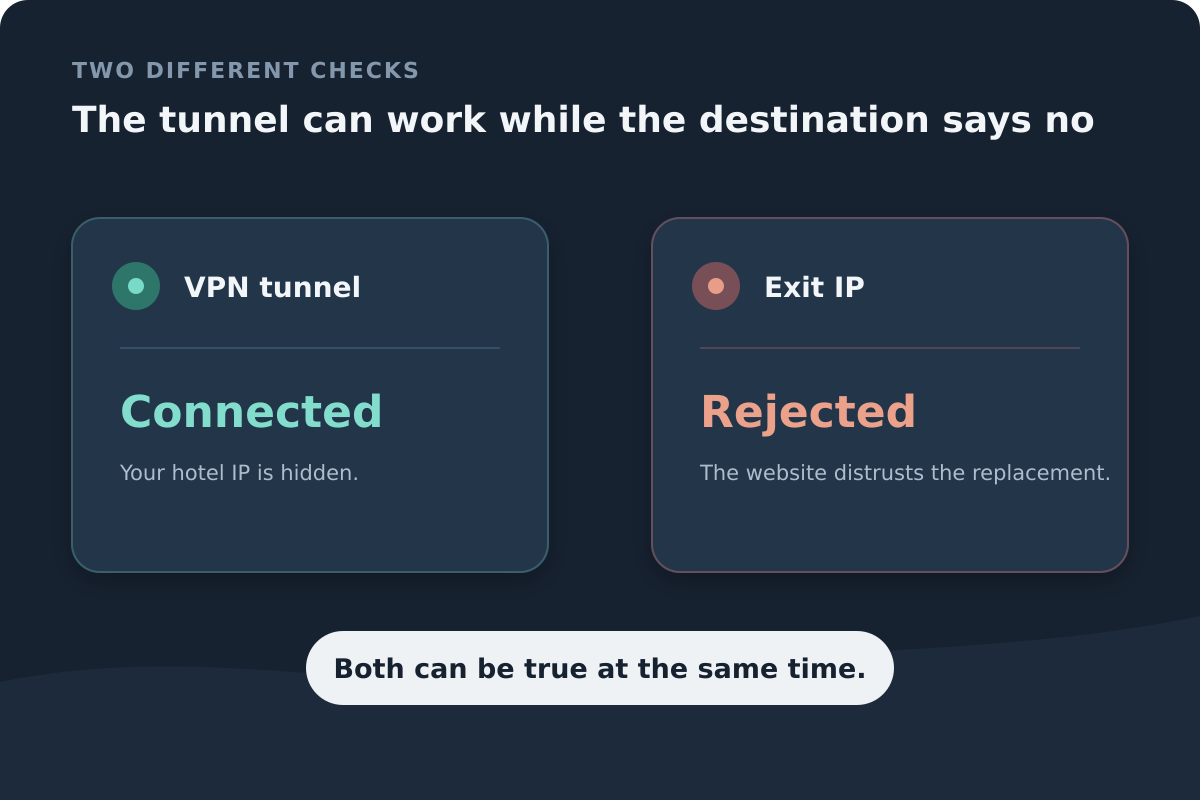
Pornhub sits at the other end.
Obfuscation matters on the first leg between your device and the VPN server. Pornhub sits on the far side and sees the server’s public exit IP.
Pornhub never inspects the tunnel between your phone and the VPN server. It only receives the unencrypted payload delivered from the server’s public exit IP.
If you switch from OpenVPN to WireGuard, or wrap your connection in an obfuscated wrapper, but the VPN provider routes your traffic out through the exact same flagged data-center IP address, Pornhub sees zero difference. The site looks at the caller ID, sees an address flagged as commercial hosting infrastructure, and drops the connection.
Changing protocols is only useful when doing so inadvertently hands you a different physical server or resolves an underlying connection leak. As a general rule: if the same public exit keeps reaching the website, protocol camouflage alone will not erase an IP-based classification.
Fix the Exit—or Stop Using a VPN for This Session
Once your baseline test confirms that Pornhub works directly but blocks your VPN, you have reached the real decision point. You do not need technical gymnastics; you need to change what Pornhub sees.
You have two practical choices:
- Use the direct connection: If you are browsing on a trusted home connection, do not require privacy from your ISP for this session, and are in an unrestricted jurisdiction, the fastest fix is simply leaving the VPN off. Acknowledging this simple alternative saves needless troubleshooting.
- Keep the VPN, but change the route Pornhub sees: If you are connected to an untrusted public Wi-Fi network—like a hotel, coffee shop, or shared apartment—you likely want to keep your privacy intact. In that case, the objective is straightforward: obtain a clean, unflagged exit IP in an appropriate region without wasting your evening playing server roulette.
This is where a service built around intelligent traffic routing matters.
If direct access works but your current VPN keeps handing you rejected data-center exits, OnlydogVPN is relevant only at the routing layer: the practical question is whether it can change the exit route without making you manually cycle through cities.
Rather than forcing you to guess through individual city servers, OnlydogVPN uses its streaming-oriented preset and automatic route selection to handle route changes. The useful distinction here is still the same: the website is evaluating the public exit it receives.
The value is operational: it reduces the chore of disconnecting, picking another numbered city server, clearing the cache, and refreshing repeatedly. It does not make the connection “undetectable,” and it does not change any age or policy requirement that appears after the proxy warning clears.
If the Warning Clears but You Are Still Blocked, Stop Troubleshooting the VPN
The final pitfall is assuming every roadblock on adult platforms stems from your VPN. Access controls operate in distinct layers:
Think of access as two separate checks: first the IP or proxy classification, then age and policy verification. Clearing the first does not clear the second.
A proxy detection warning, an age-verification requirement, and an account policy check are completely different mechanisms:
- The site works directly, but blocks your VPN: You have an IP-reputation problem. Change the exit route or use your clean direct line.
- The site blocks you on both direct and VPN connections: The problem is your local network environment, an active background privacy layer like iCloud Private Relay, or an IP reputation false-positive. Test cellular data.
- The “VPN or proxy detected” screen disappears, but a verification prompt appears: Your network routing problem is solved. Stop adjusting your VPN.
Regulatory compliance illustrates why these layers must never be conflated. In the UK, for instance, under ongoing Ofcom age-assurance mandates, platforms are legally required to verify that users are adults through robust verification methods. When Pornhub’s parent company, Aylo, restored access for eligible UK users in mid-2026 via Apple’s supported device-based age assurance, it did so through an identity-eligibility check—not by relaxing its IP detection standards.
No VPN server, protocol toggle, or obfuscation setting will bypass an explicit age-gate or statutory platform restriction. When you clear the proxy error and see an identity prompt, the network route has done its job.
“VPN or proxy detected” is not an invitation to make your VPN more mysterious. It is simply a notice that the front door does not recognize the public address you presented. Run a quick baseline test, swap the exit route once, and stop troubleshooting your network the moment the problem moves somewhere else.
Frequently Asked Questions
Does “VPN or proxy detected” mean the site can see the VPN app on my device?
Not necessarily. The article explains that the site can classify the public exit IP it receives without inspecting your local applications or reading the encrypted first leg of the VPN tunnel.
Why might changing from WireGuard to OpenVPN not help?
If both protocols still send traffic out through the same flagged public exit IP, the destination sees the same address. Protocol camouflage changes the first leg of the route, not the reputation of the exit address.
What baseline test should I run before changing VPN settings?
Close old tabs, disable the VPN and manual proxies, check whether iCloud Private Relay is active on Apple devices, and try a fresh direct connection. If direct access works, the VPN exit route is the likely issue.
Is a proxy warning the same thing as an age-verification block?
No. Proxy classification and age or policy verification are separate layers. If the proxy warning clears and an age prompt appears, the network-routing problem has already been solved.